
See where visitors click, scroll, hesitate, abandon forms, hit errors, and leave funnels — then improve your pages with A/B testing. All visitor behavior data stays on your own WordPress server
No credit card · 2-minute setup · Heatmaps · Recordings · Funnels · A/B Testing · Smart Insights · Form Analytics · User Journeys · Error Tracking
Microsoft may also collect and use behavioral data. With Opti-Behavior, visitor behavior data stays on your WordPress server.
Heatmaps + recordings + funnels = $213+/month. Free tier? Only 35 sessions/day.
Hotjar free: 35/day. Mouseflow: 500/month. Lucky Orange: 100/month. You’re only seeing a fraction of your traffic.
Most analytics tools inject heavy scripts that slow your pages down. Opti-Behavior is engineered from the ground up for zero performance impact, powered by a revolutionary Hybrid Storage technique.
The tracking script is only ~15KB minified and loads 100% asynchronously. It never blocks page rendering. Lighter than Hotjar, Clarity, or any competitor.
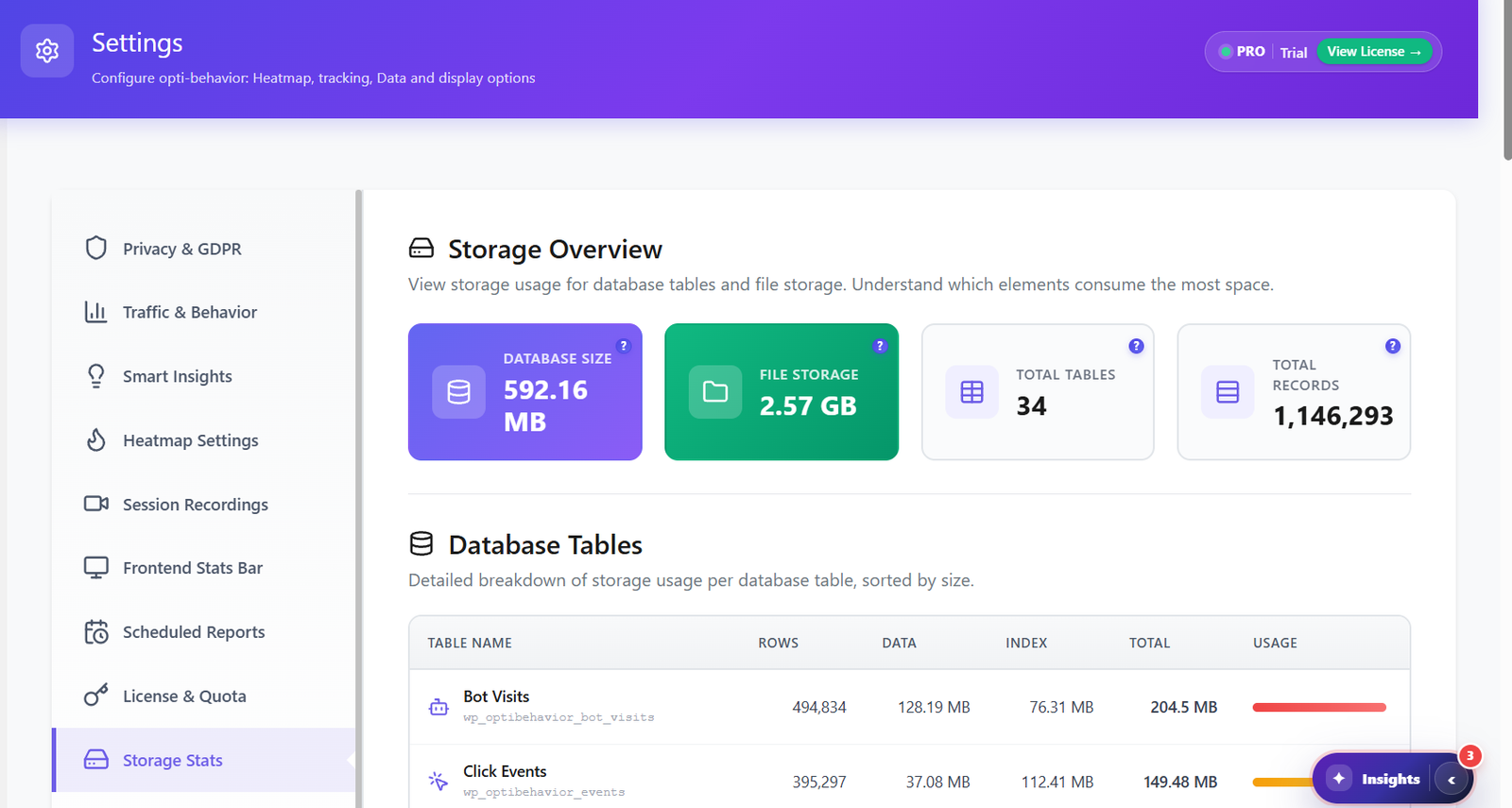
A new approach to data storage: analytics events are stored in optimized JSON files on disk, not in your database. Your MySQL stays fast. Your pages stay fast. No database bloat, ever.
Events are collected in memory and written in batches. Daily stats are pre-aggregated so your dashboard loads instantly — even with millions of pageviews.
Intelligent indexes on all analytics tables ensure queries return in milliseconds, not seconds. Optimized for WordPress shared hosting and VPS alike.
Fully non-blocking. No layout shifts. No render delays. Your Lighthouse score, LCP, CLS, and INP stay exactly the same after installing Opti-Behavior.
Works perfectly with WP Rocket, LiteSpeed Cache, W3 Total Cache, and every major caching plugin. No conflicts, no cache-busting, no workarounds needed.
+ NitroPack, FlyingPress, Cache Enabler, Swift Performance, Asset CleanUp & every other major optimizer
+ Themify, MotoPress, Live Composer, OceanWP, Blocksy, Neve & every other theme on the market
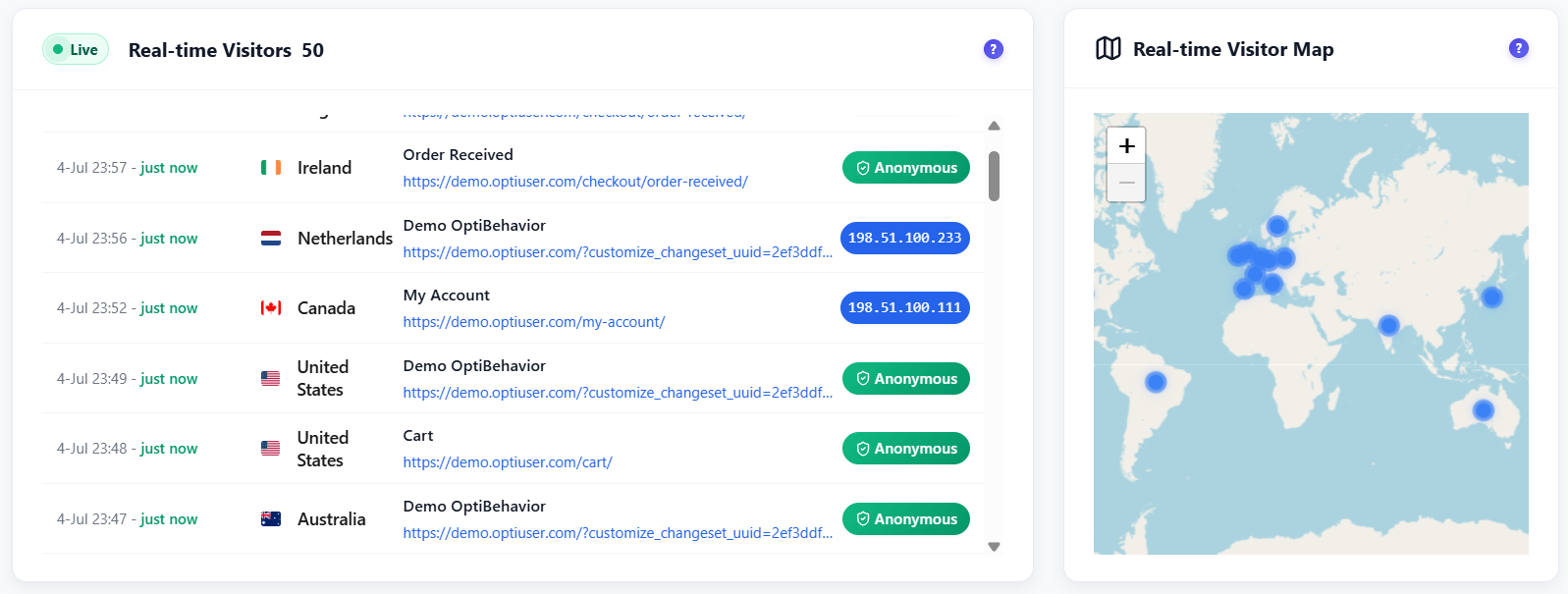
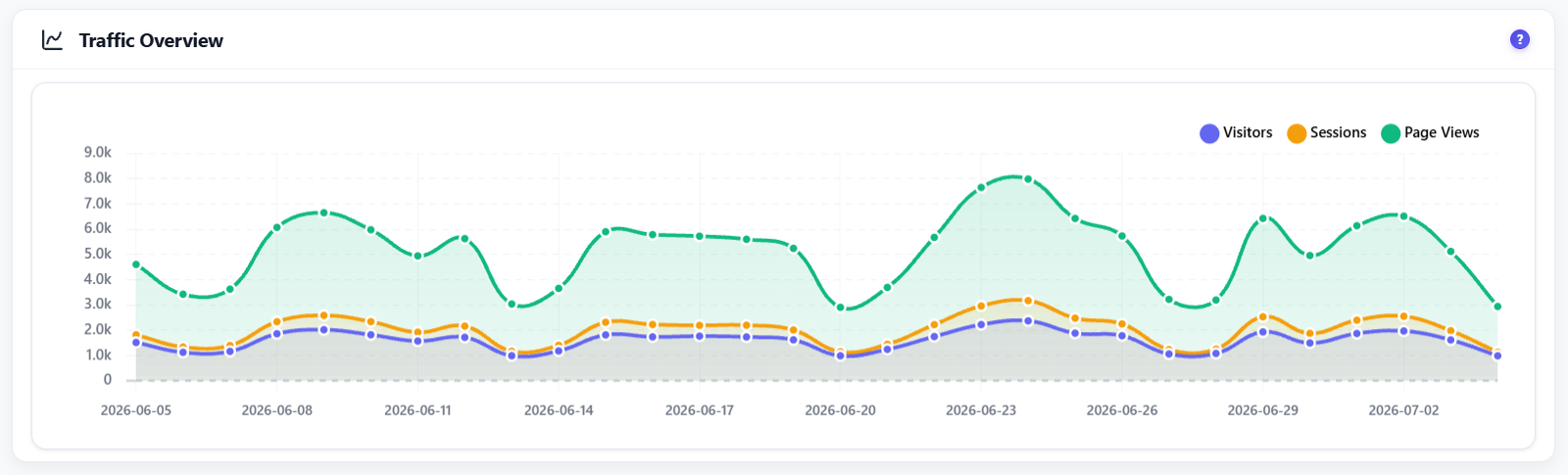
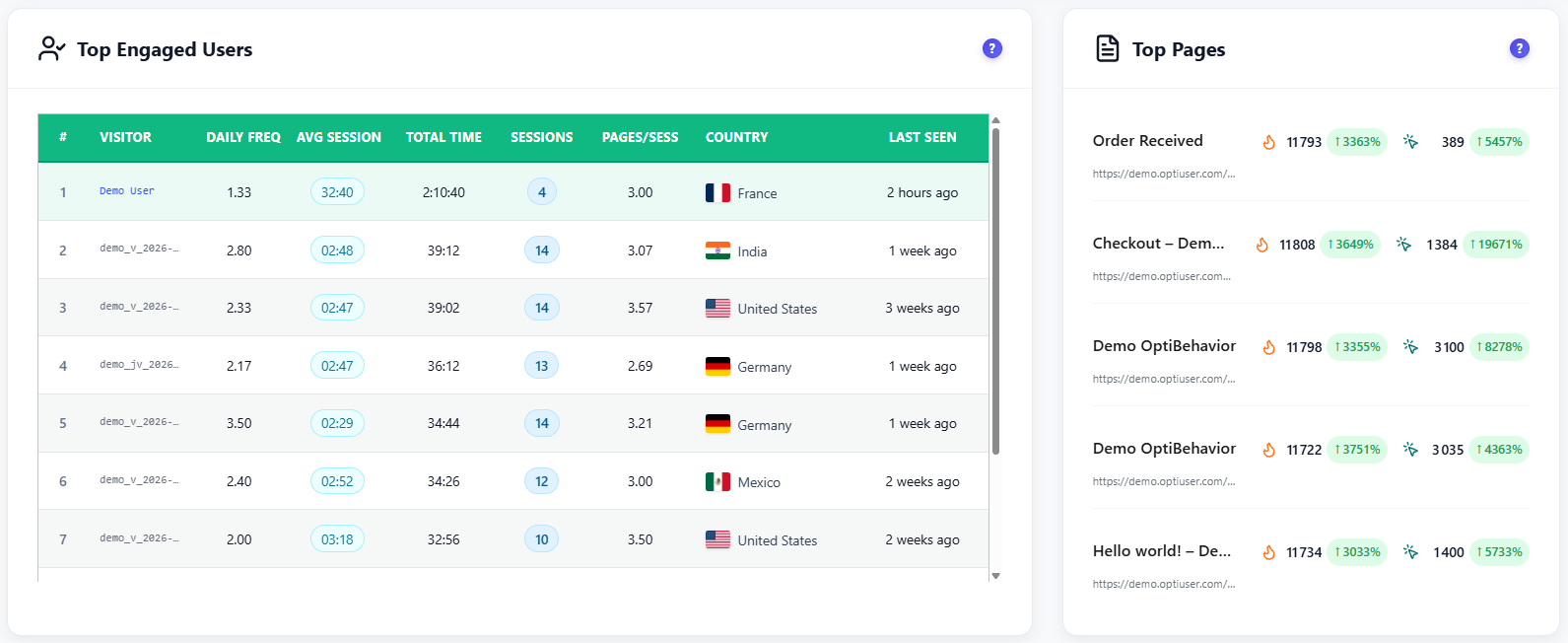
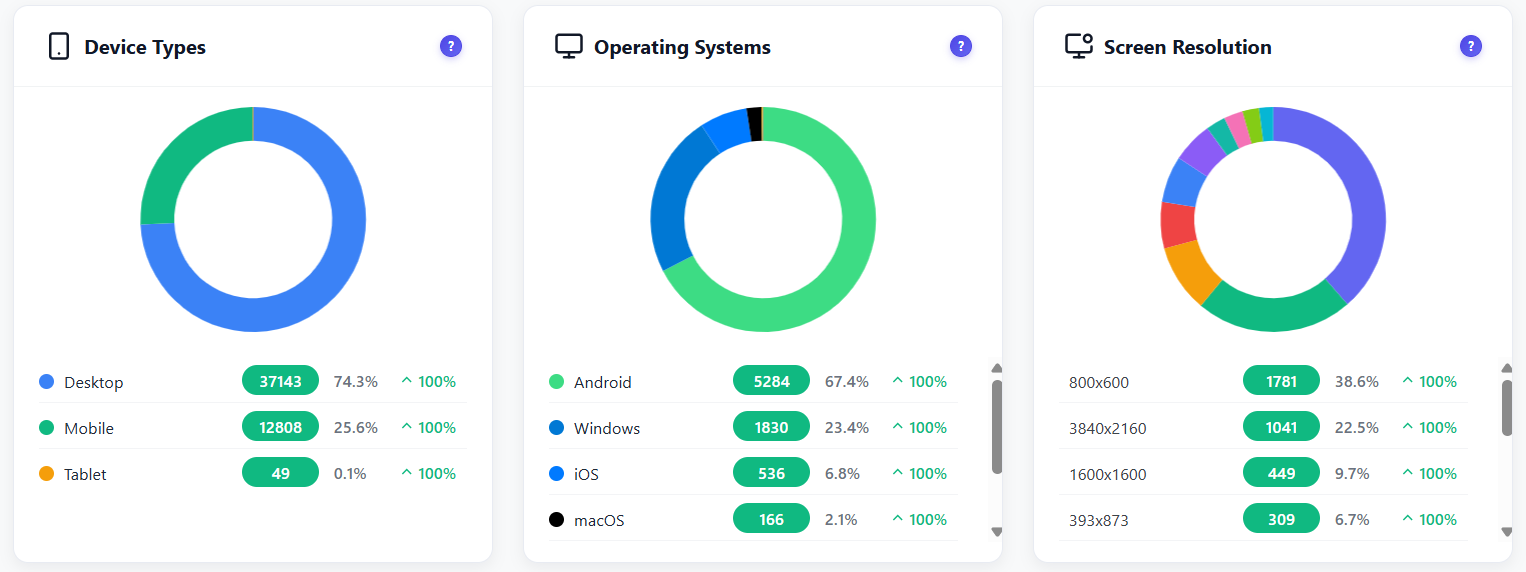
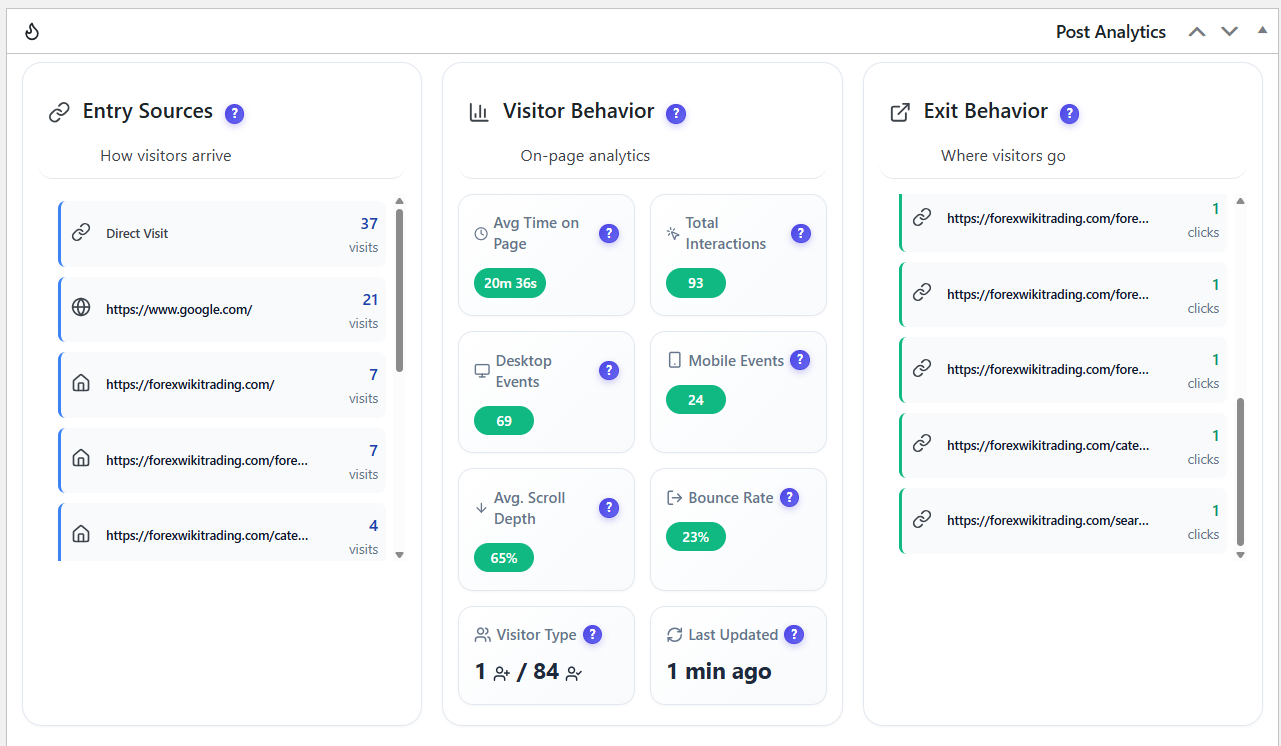
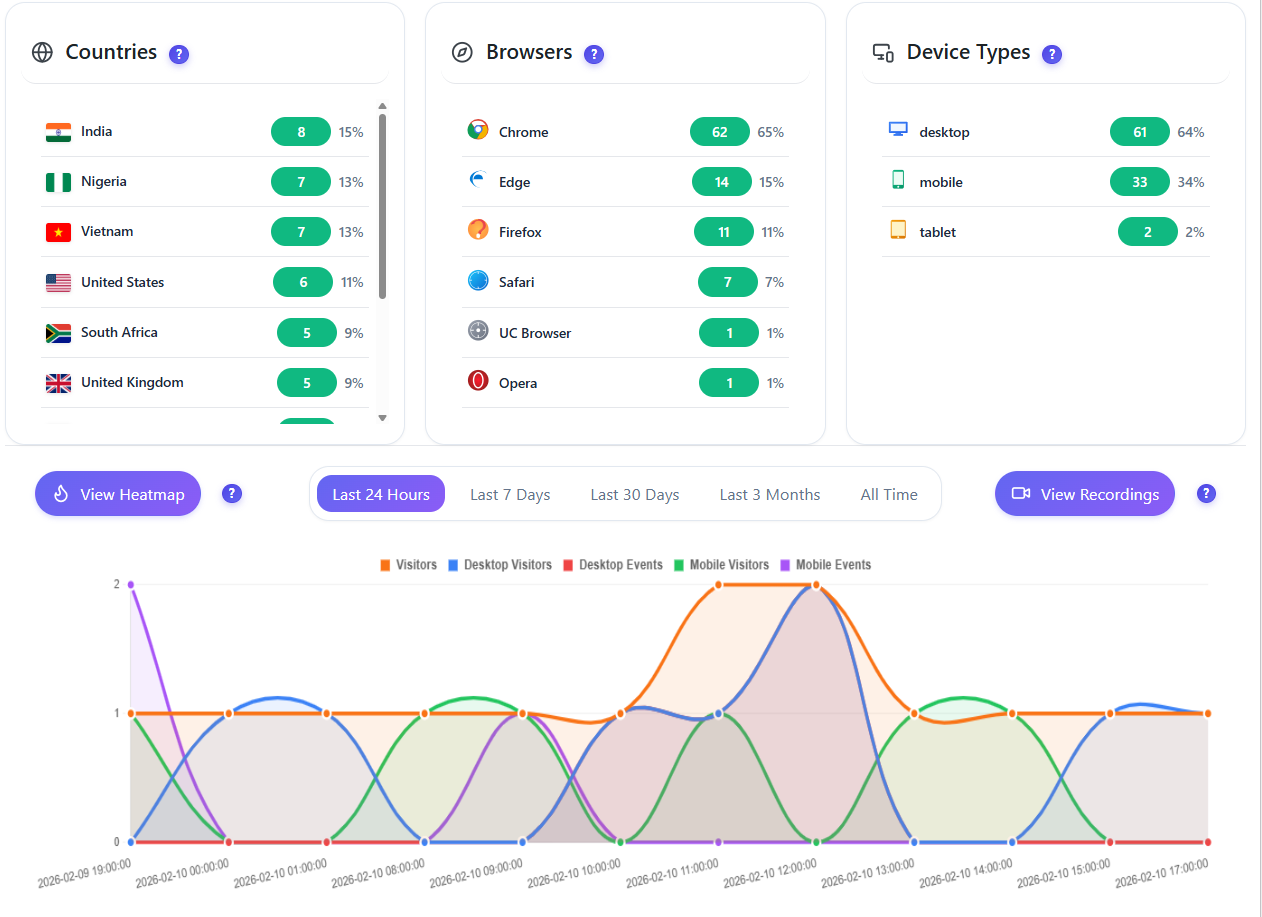
16 intelligent widgets — all updating live on YOUR server. Every visit, click, and session analyzed in real-time. Spam and bot traffic auto-excluded from every report. Visitor behavior data never leaves your server.
Learn More →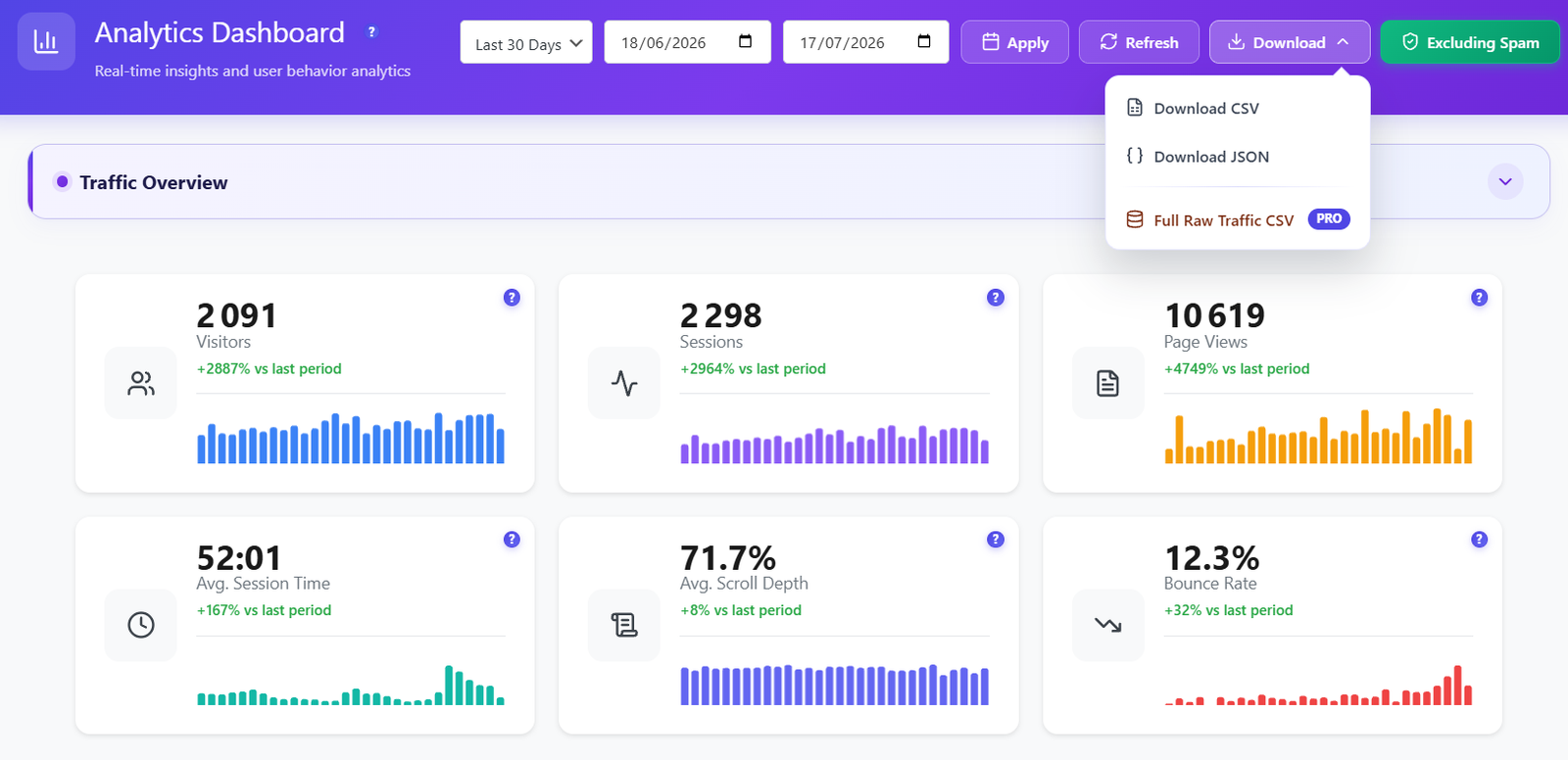
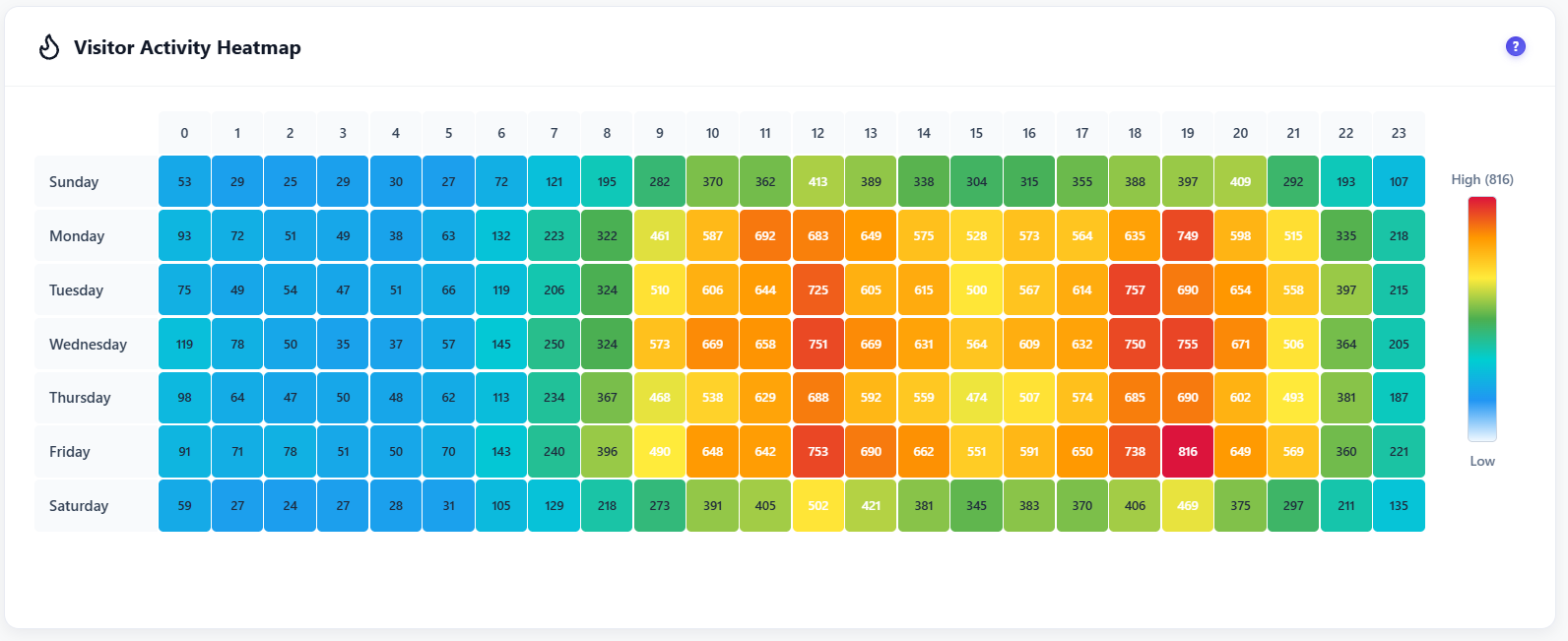
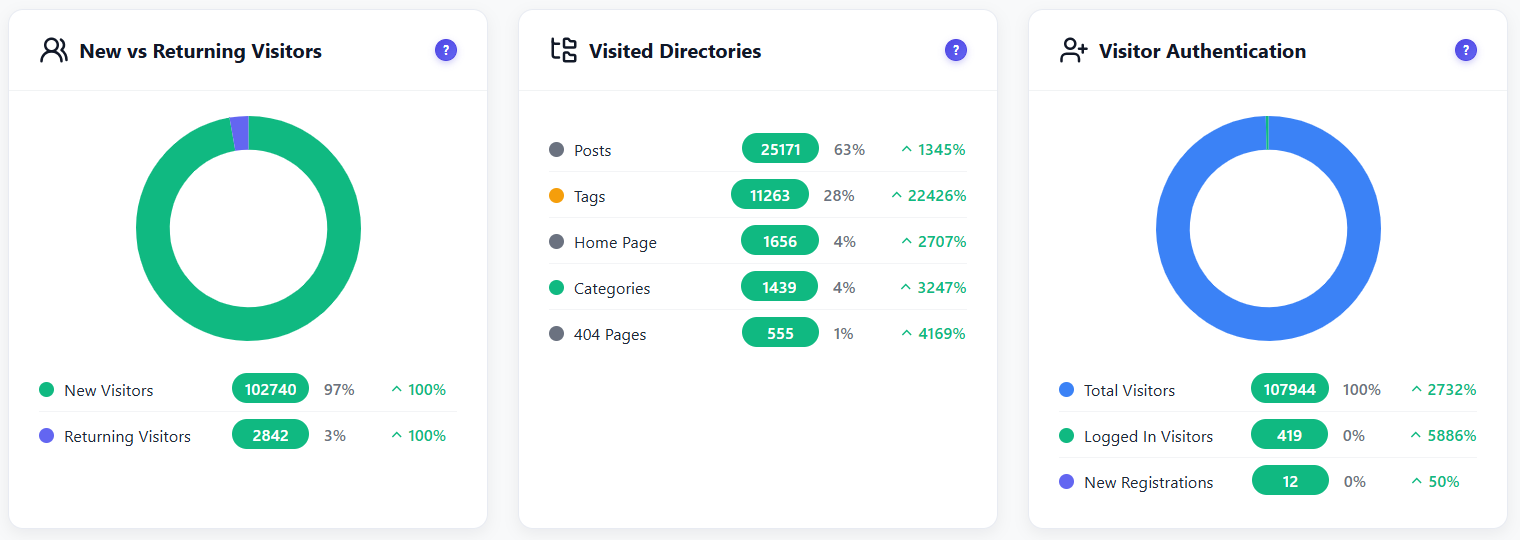
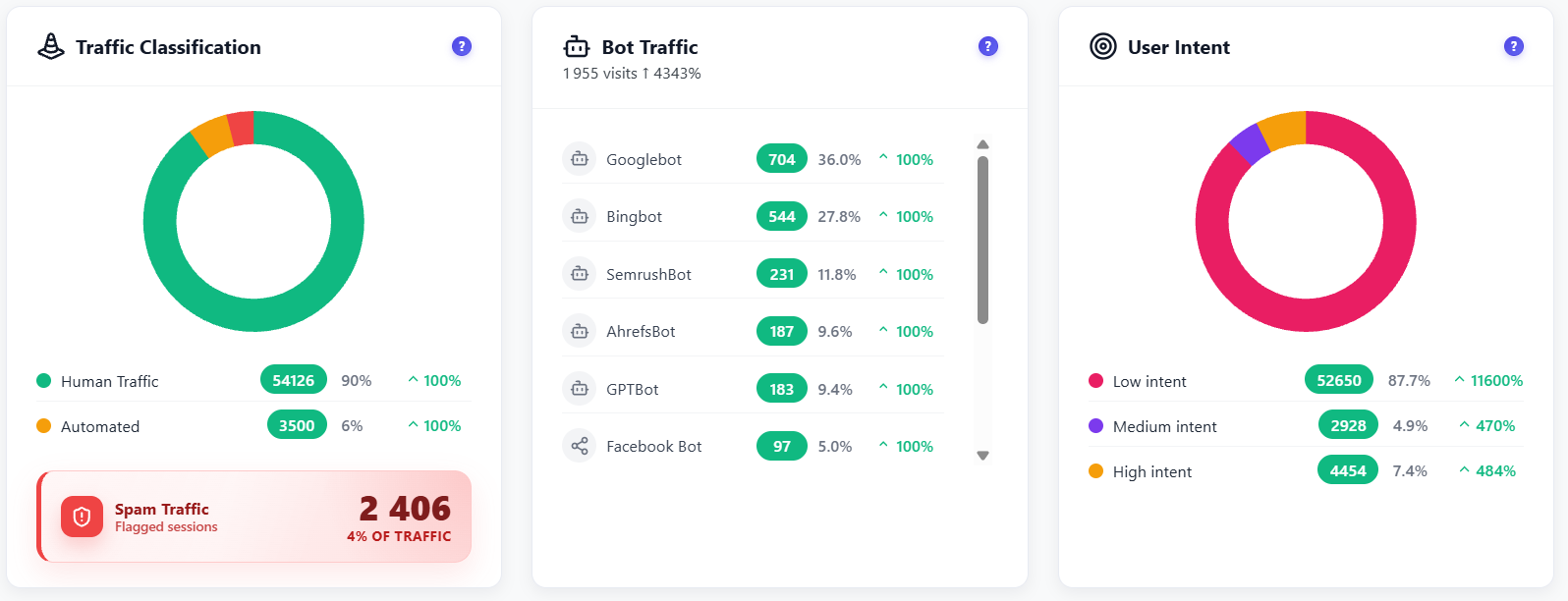
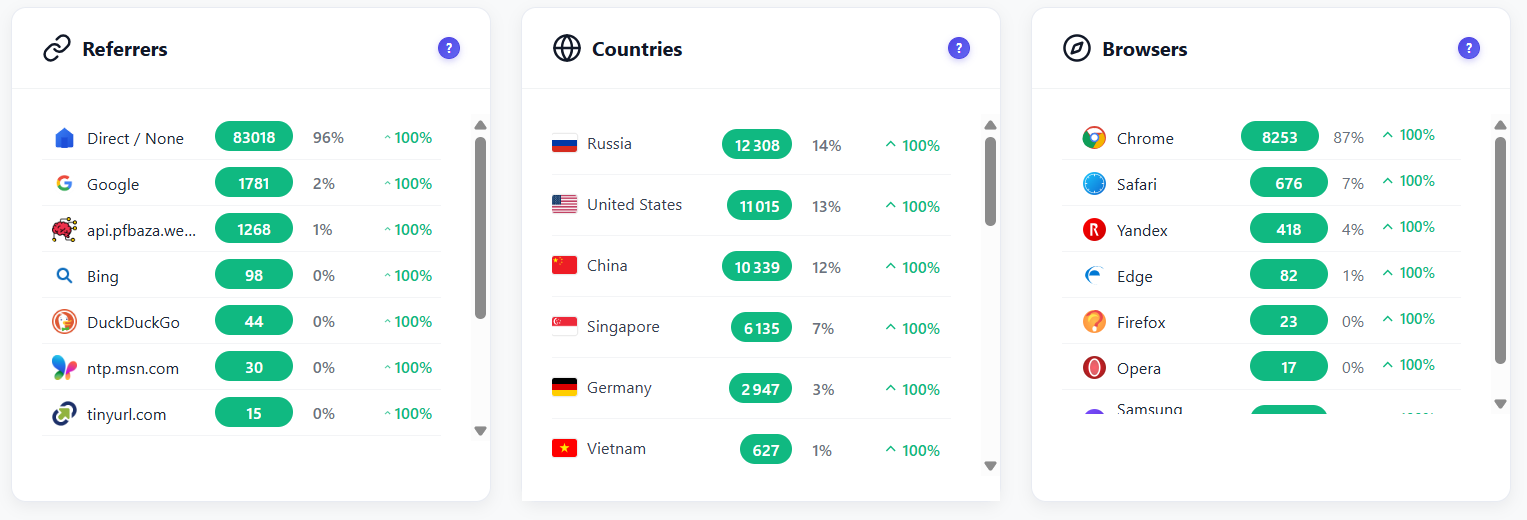
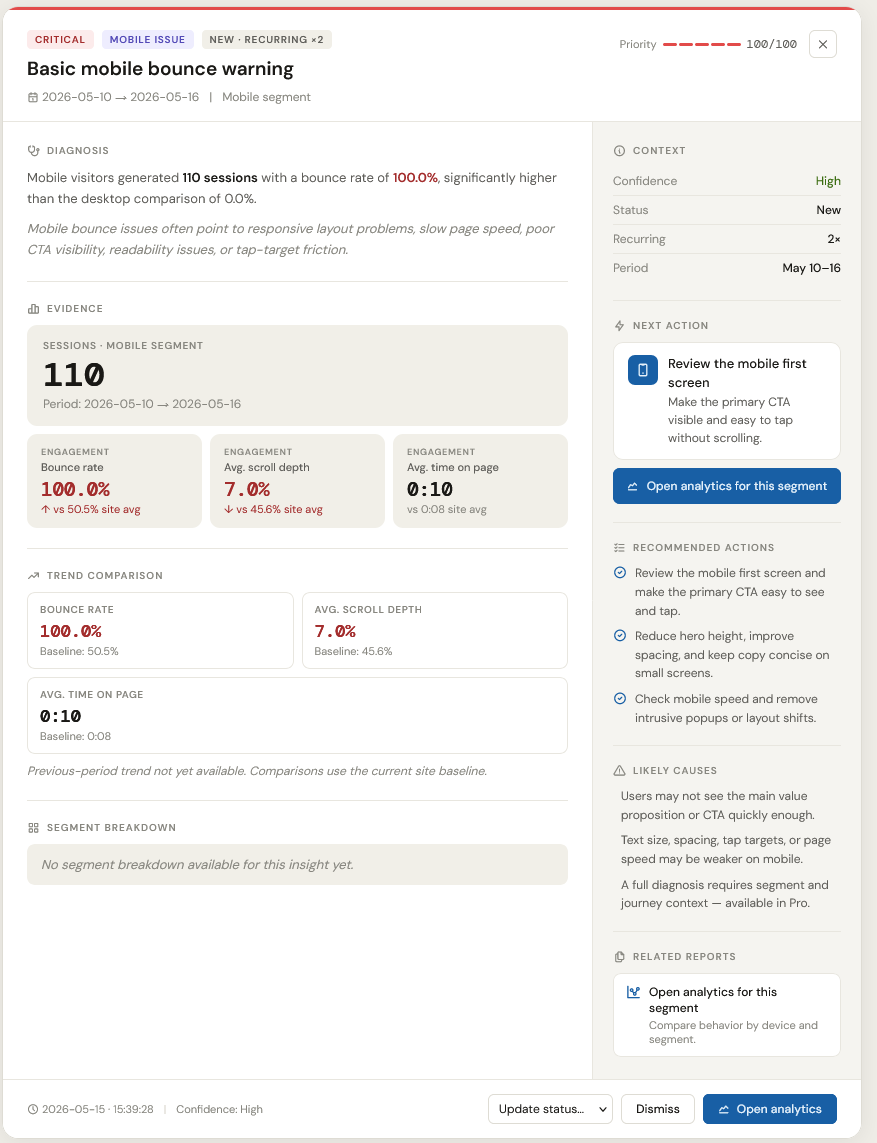
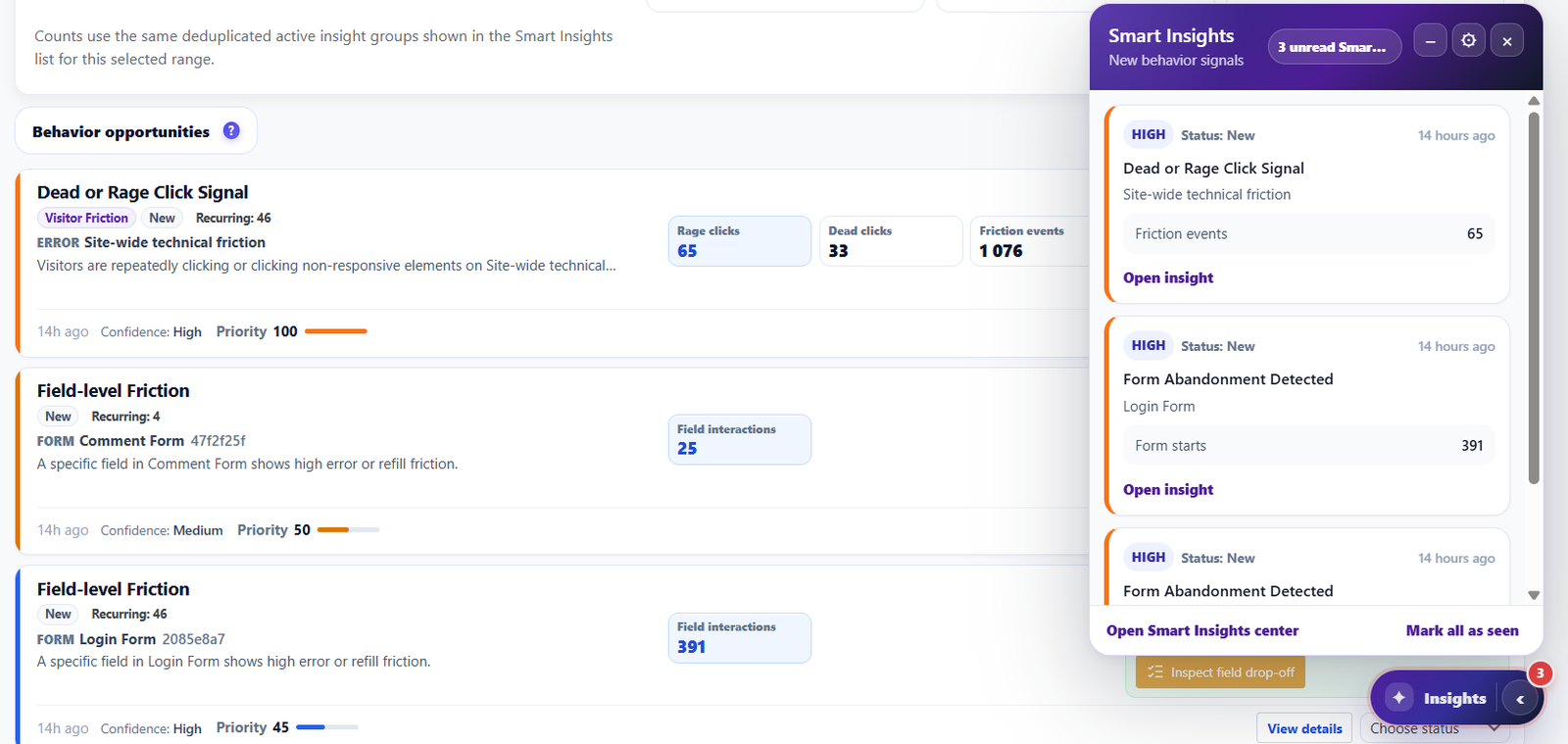
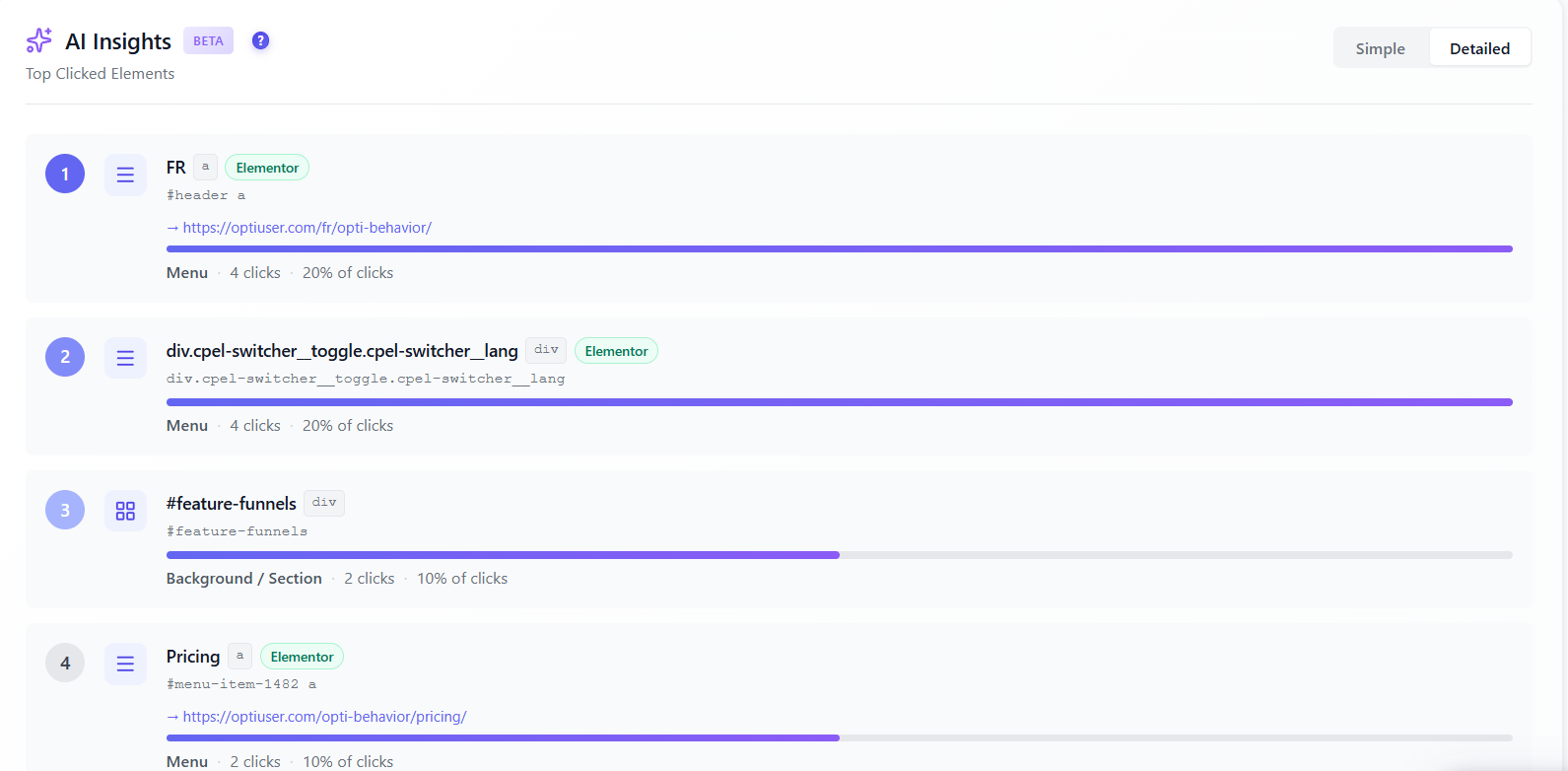
Turn self-hosted behavior data into a prioritized CRO briefing inside WordPress. Smart Insights reviews engagement, friction, funnels, forms, errors, recordings and experiments, then points your team toward the next action without exporting visitor data to a third-party analytics platform.
Learn More →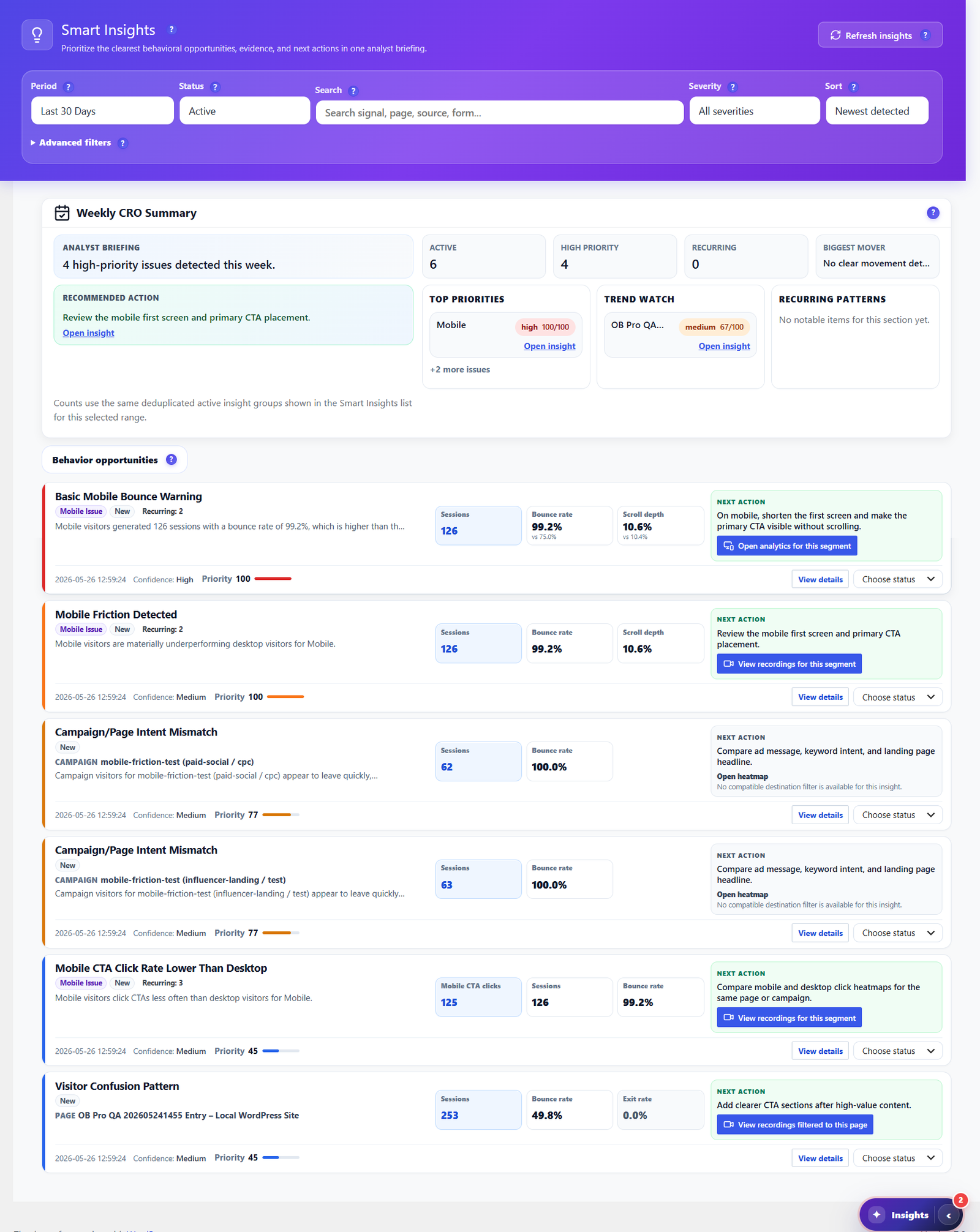
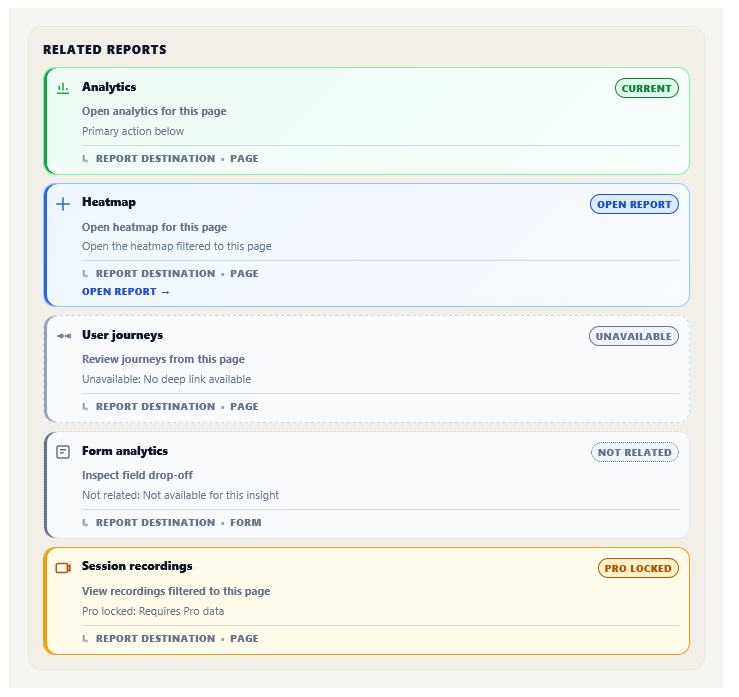
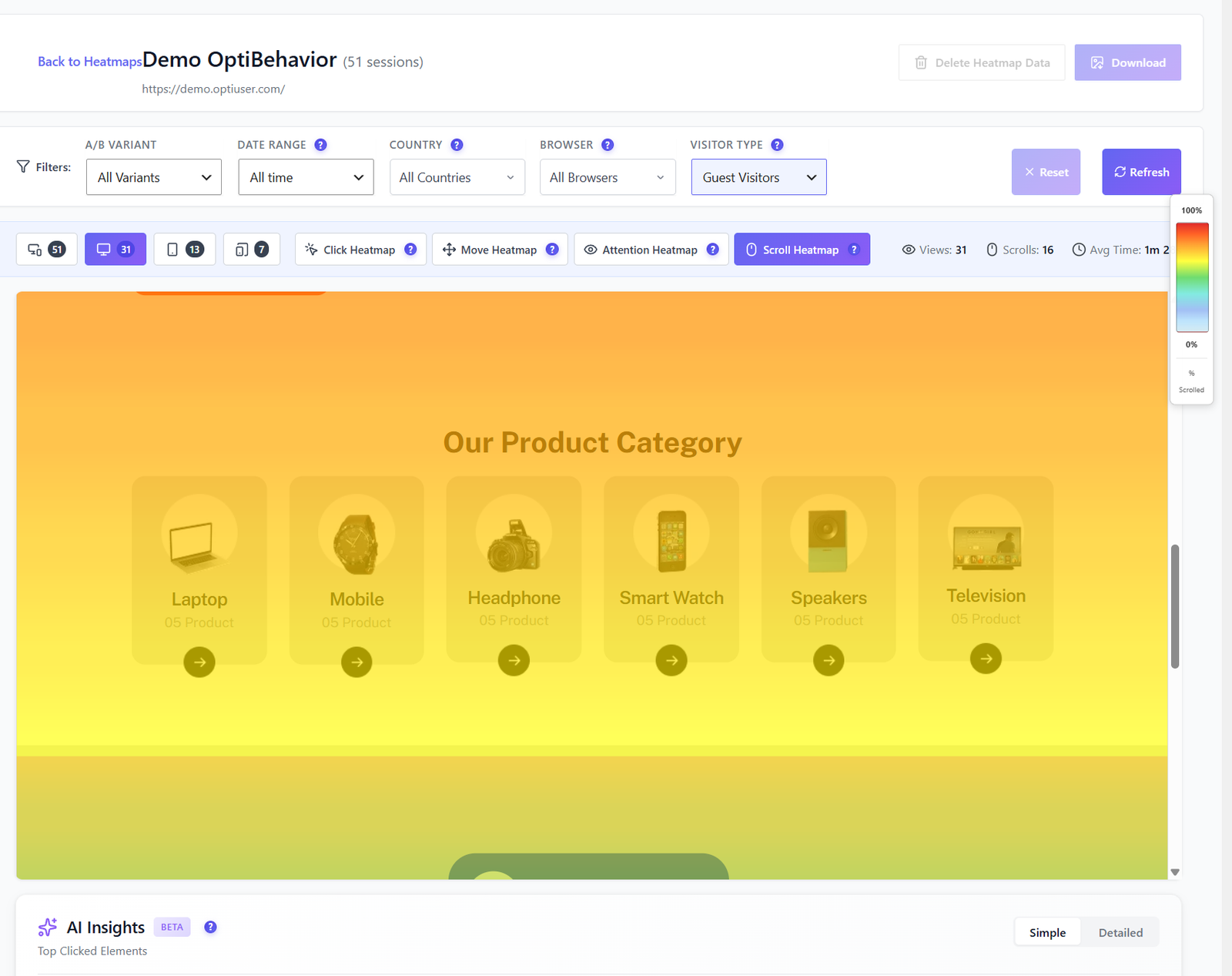
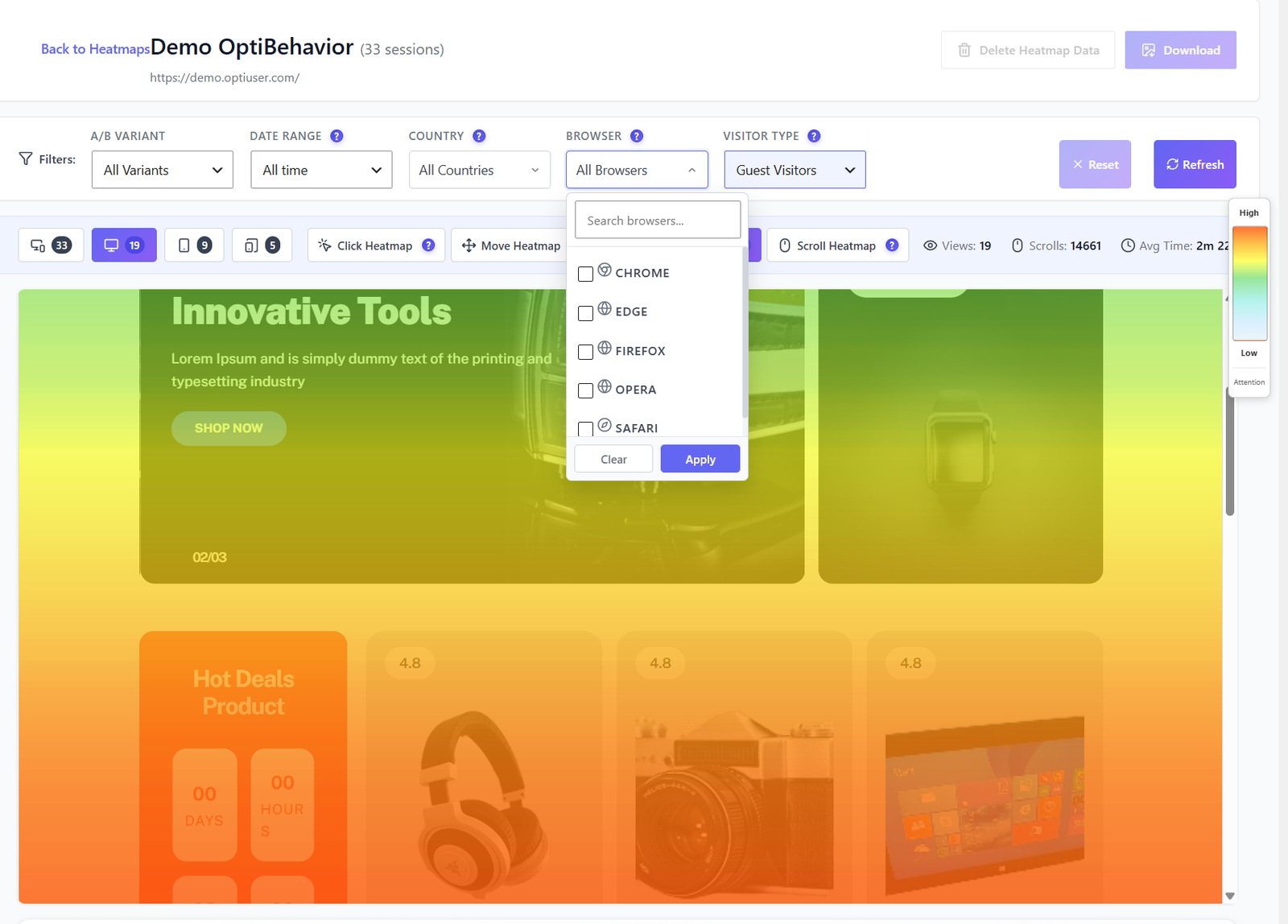
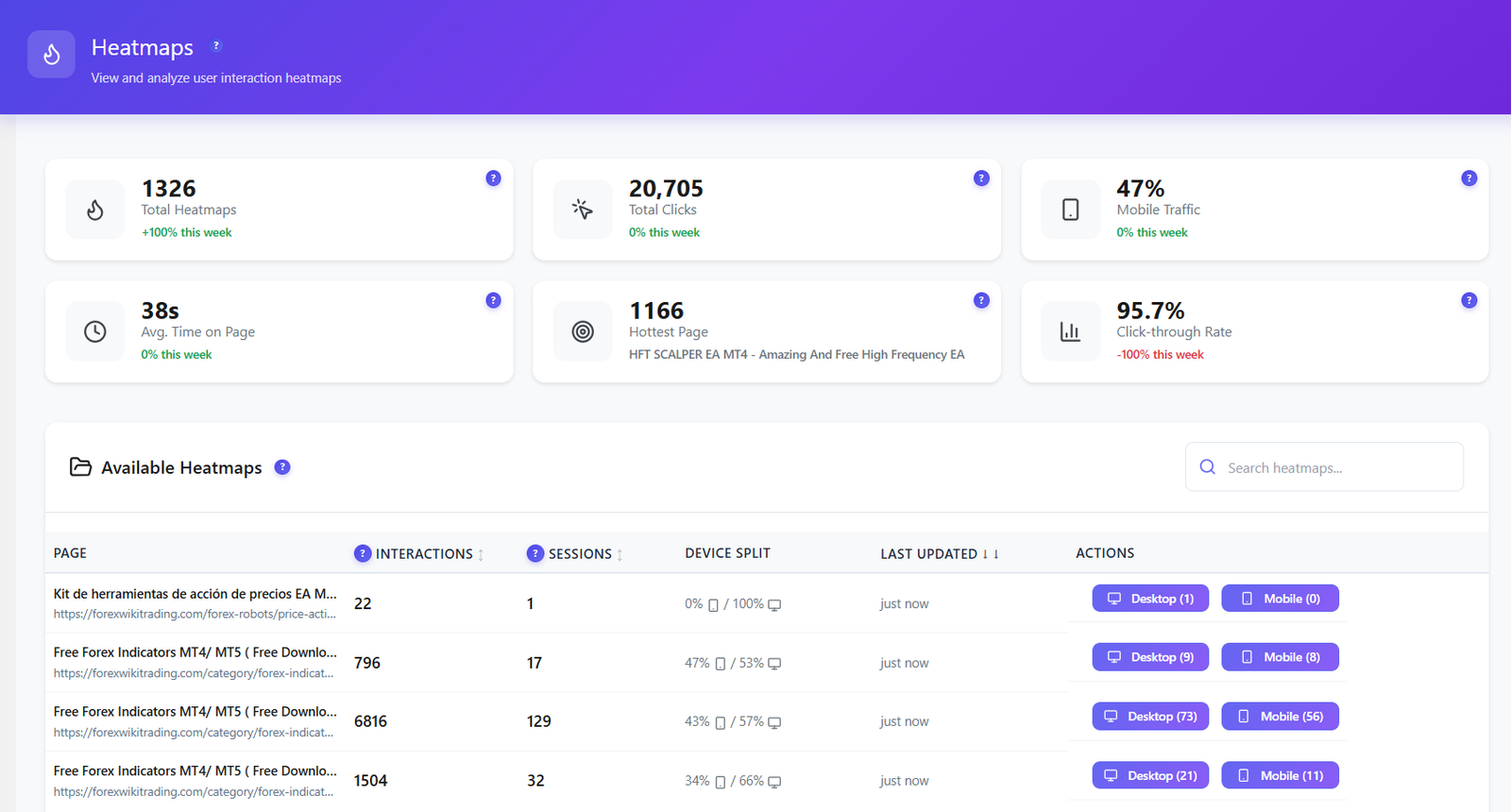
See exactly where users click, move, focus, and scroll — on every page. Separate desktop and mobile views. Advanced filtering. All data stays on your server.
Learn More →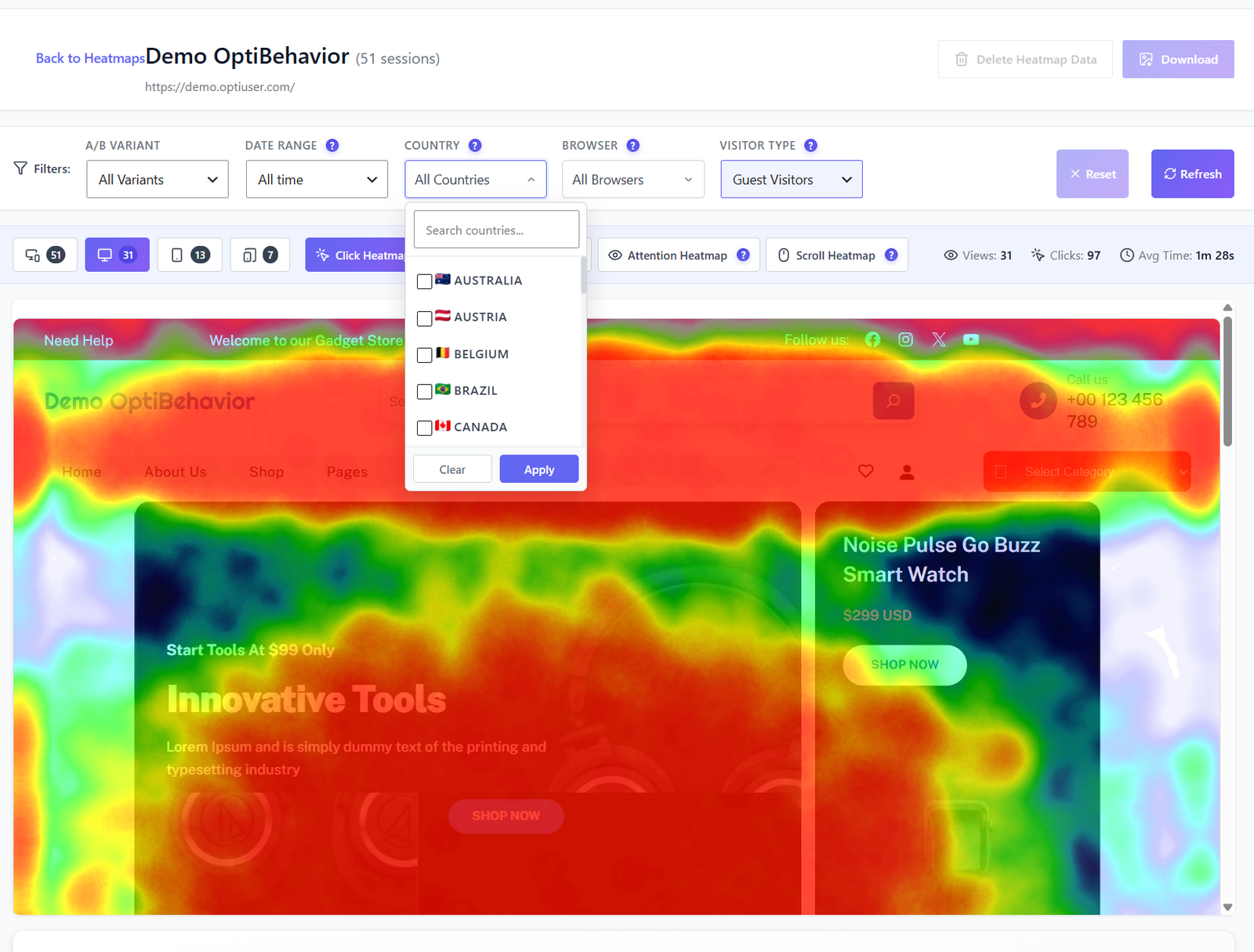
Build unlimited multi-step funnels to track exactly where visitors drop off. Visual dropout analysis at every step — with percentage, abandoned count, and device breakdown.
Learn More →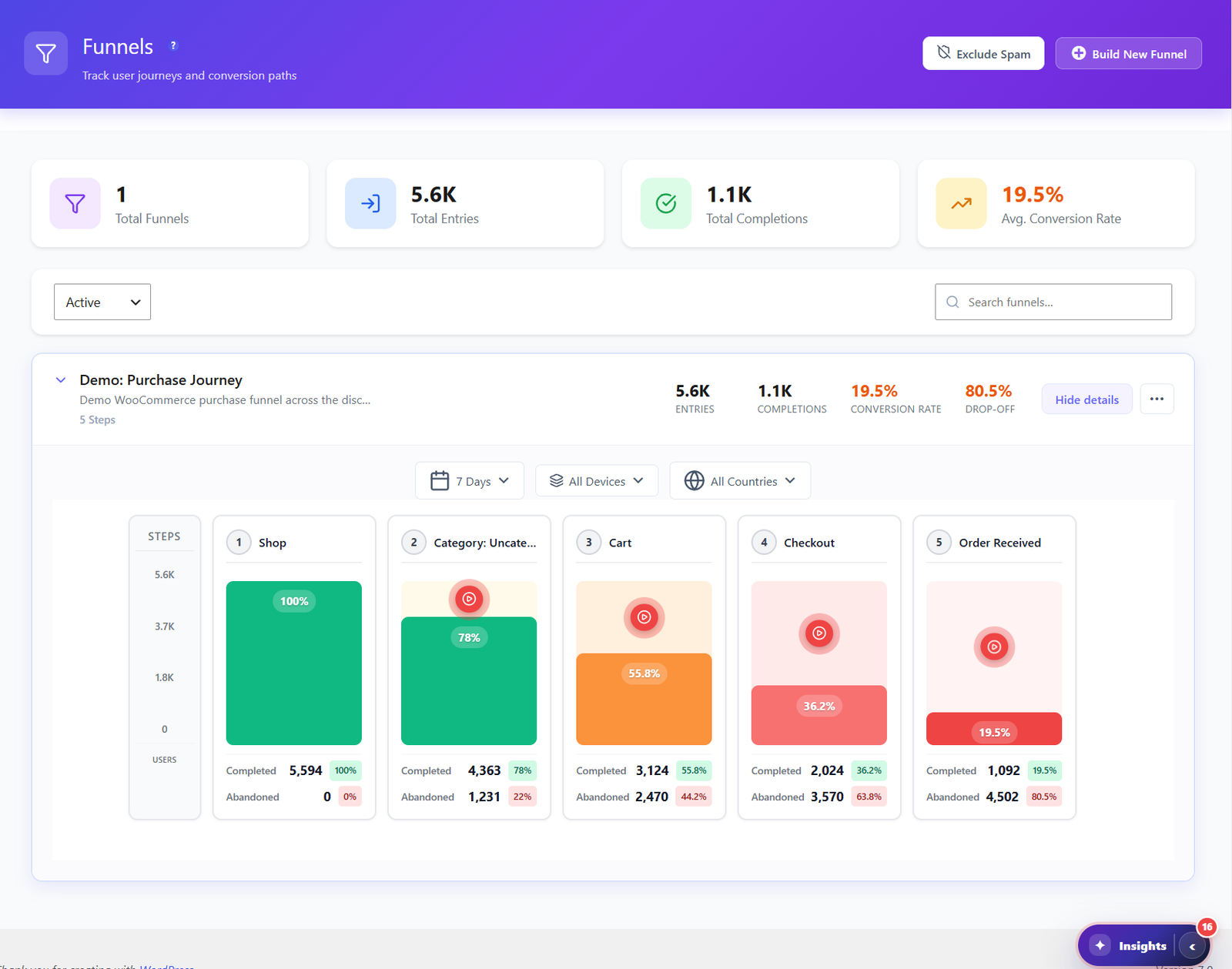
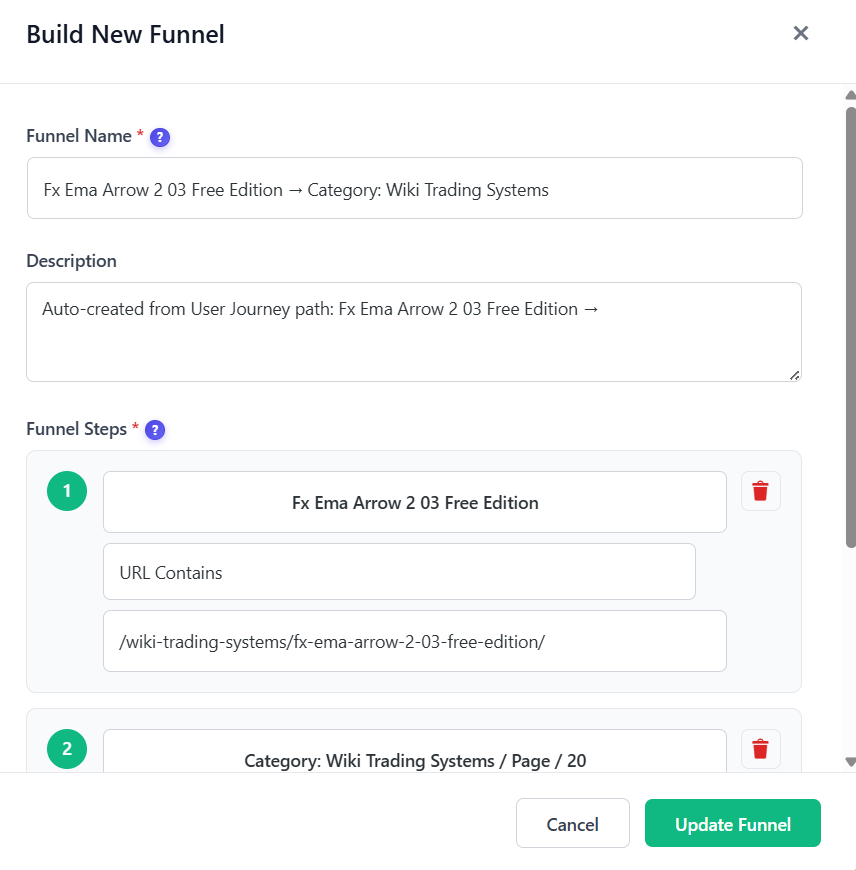
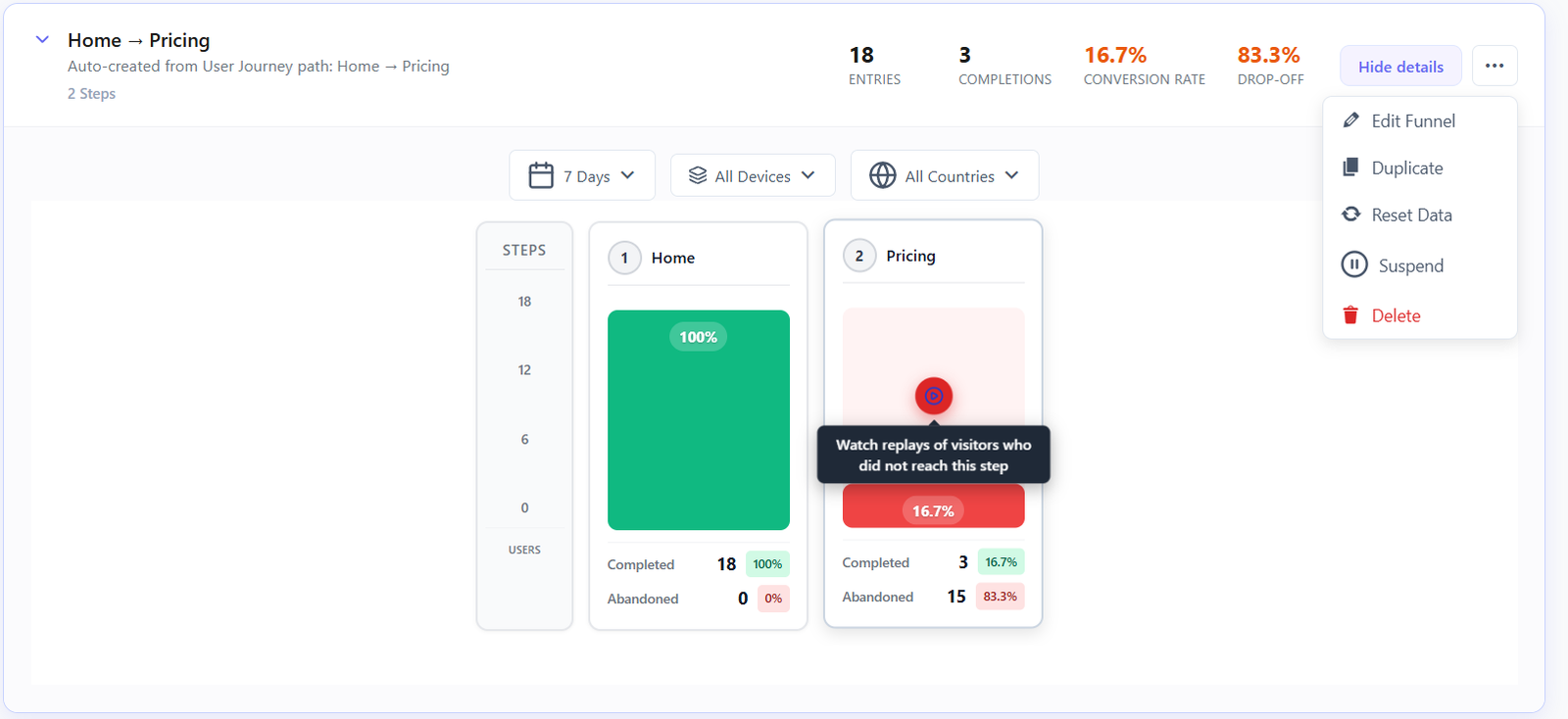
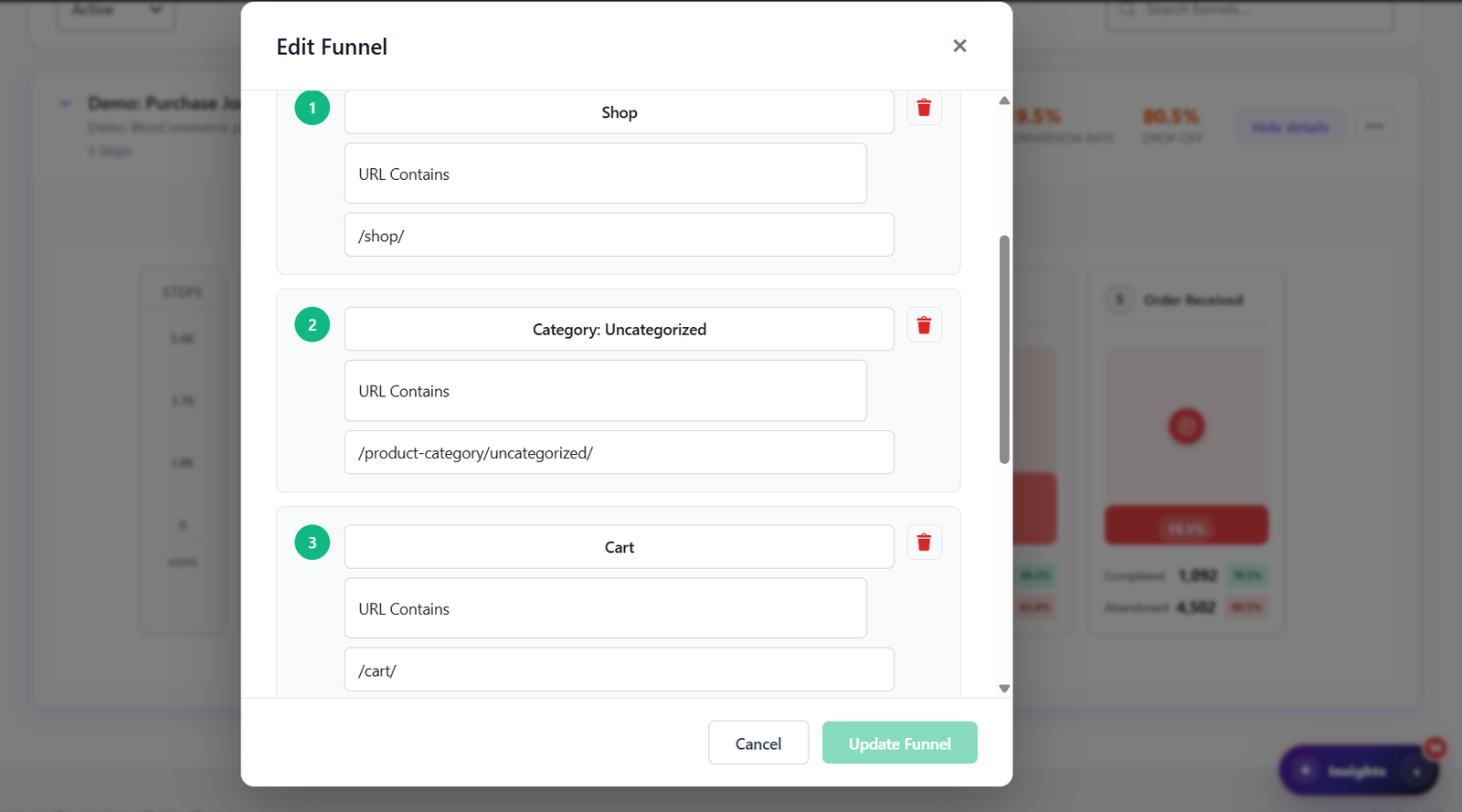
Compare two funnel variants side by side — same steps, different pages. Identify which version converts better with statistical confidence.
Automatic funnel built from your WooCommerce checkout flow — product page → cart → checkout → payment → confirmation — with revenue lost per step.
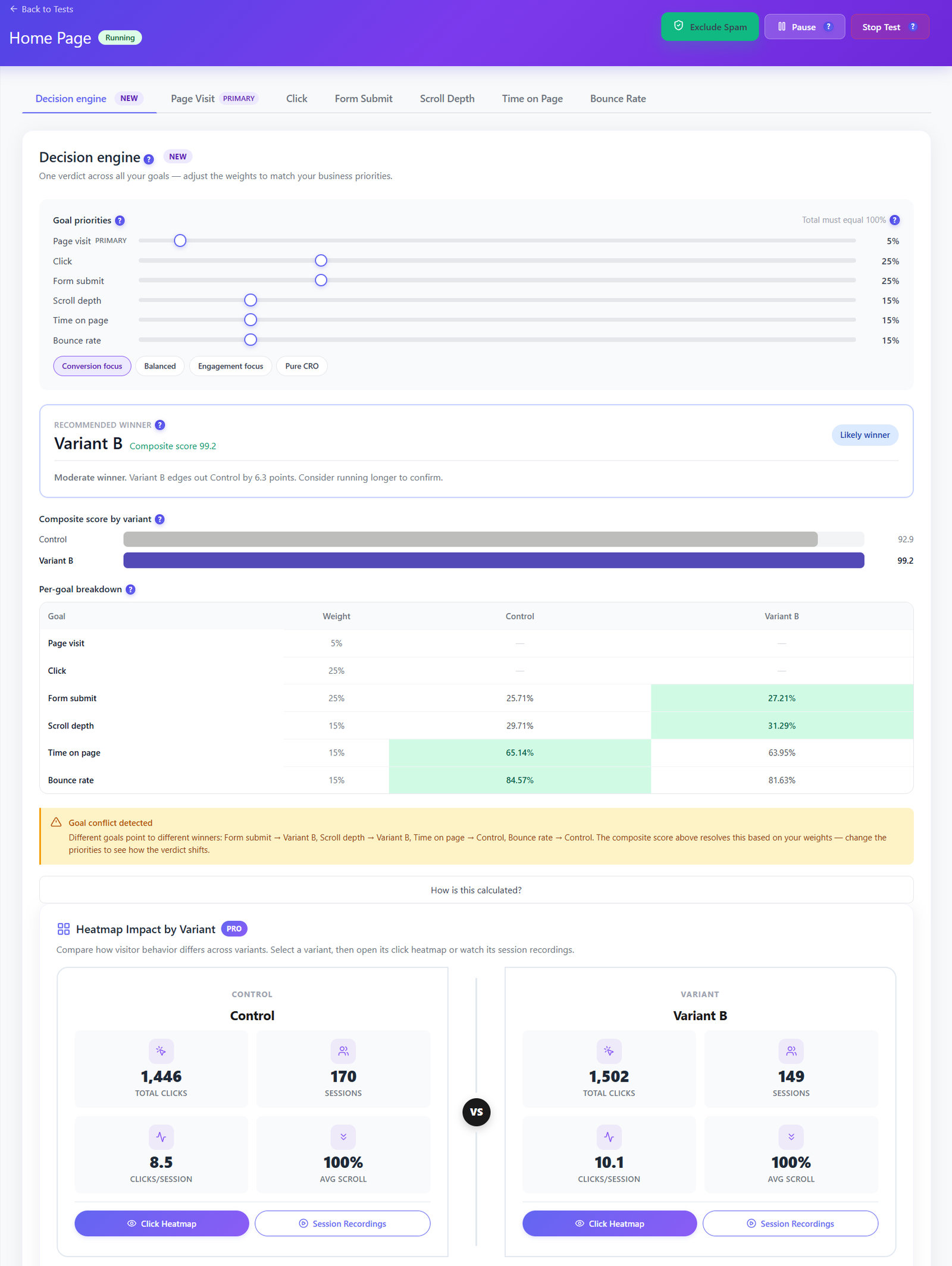
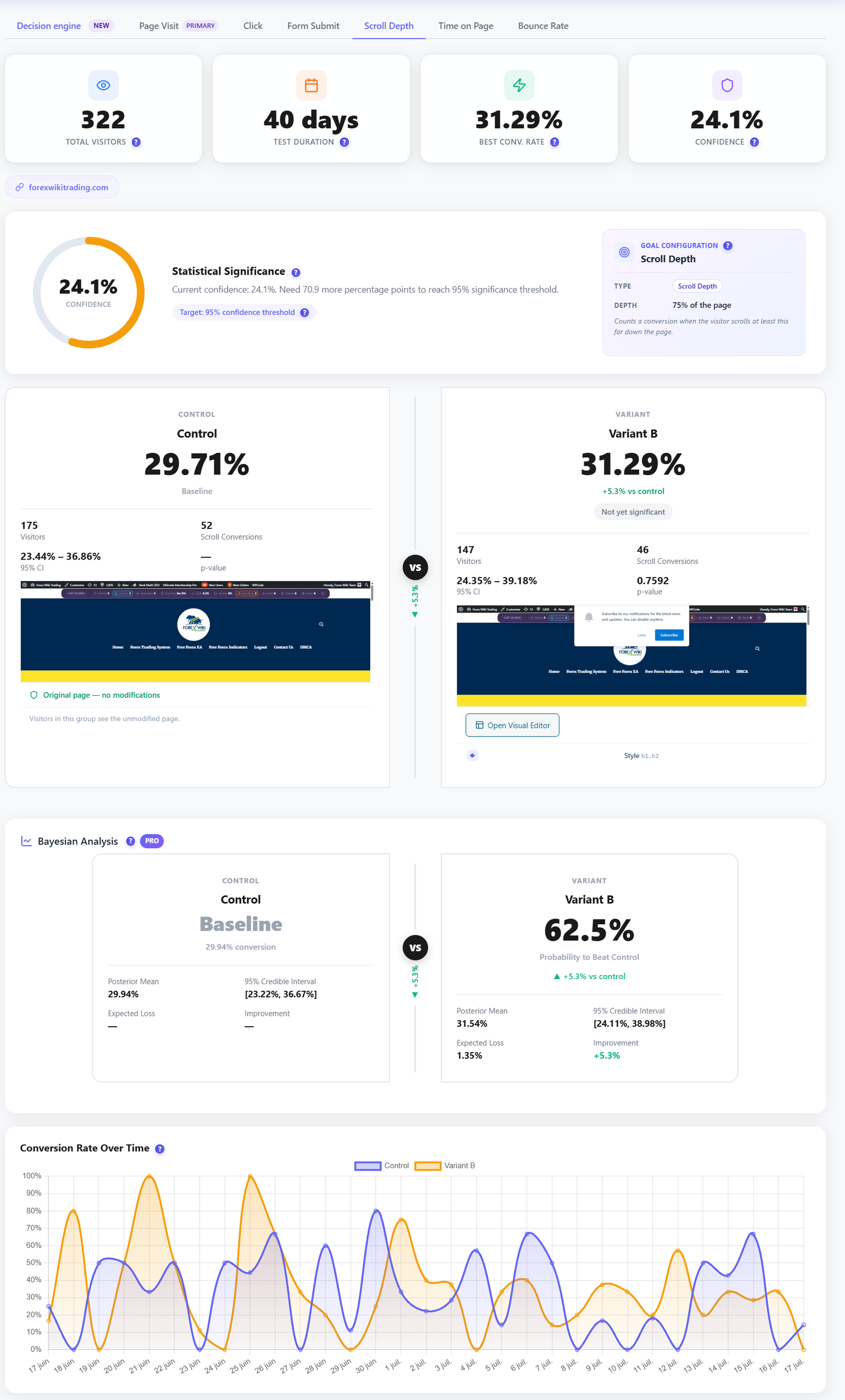
Launch self-hosted WordPress experiments without external A/B testing SaaS. Test page variants, visual edits, conversion goals and WooCommerce revenue while every visitor assignment and conversion stays on your server.
Learn More →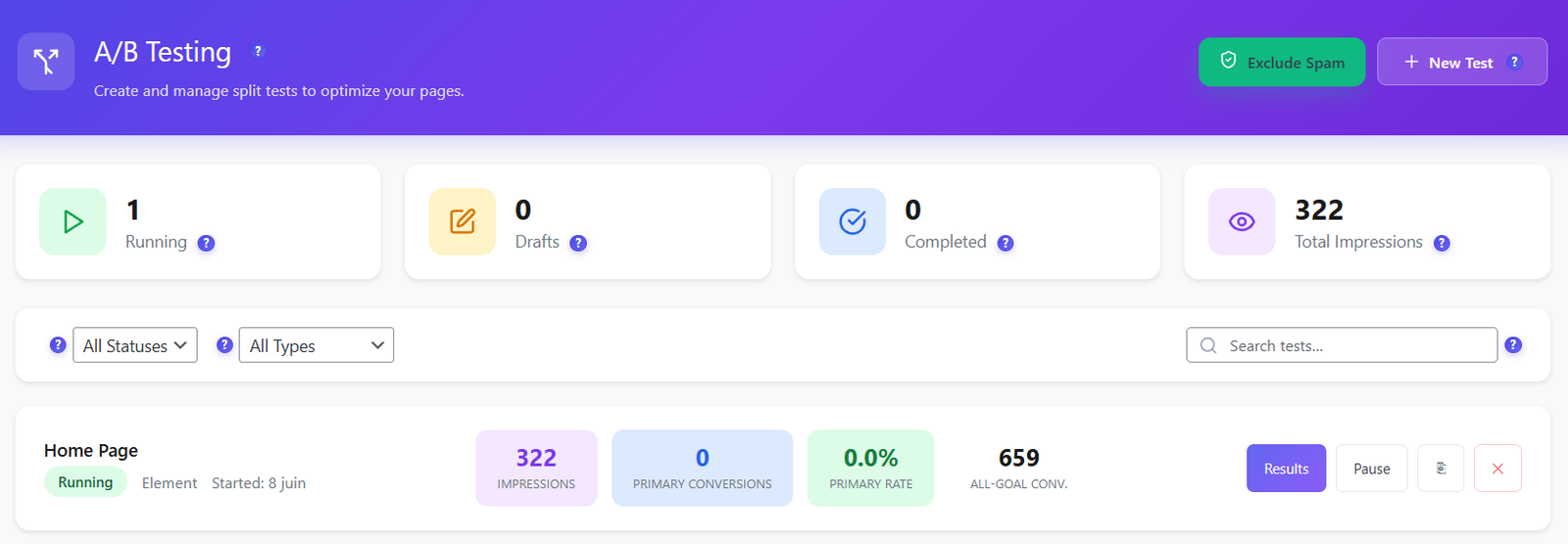




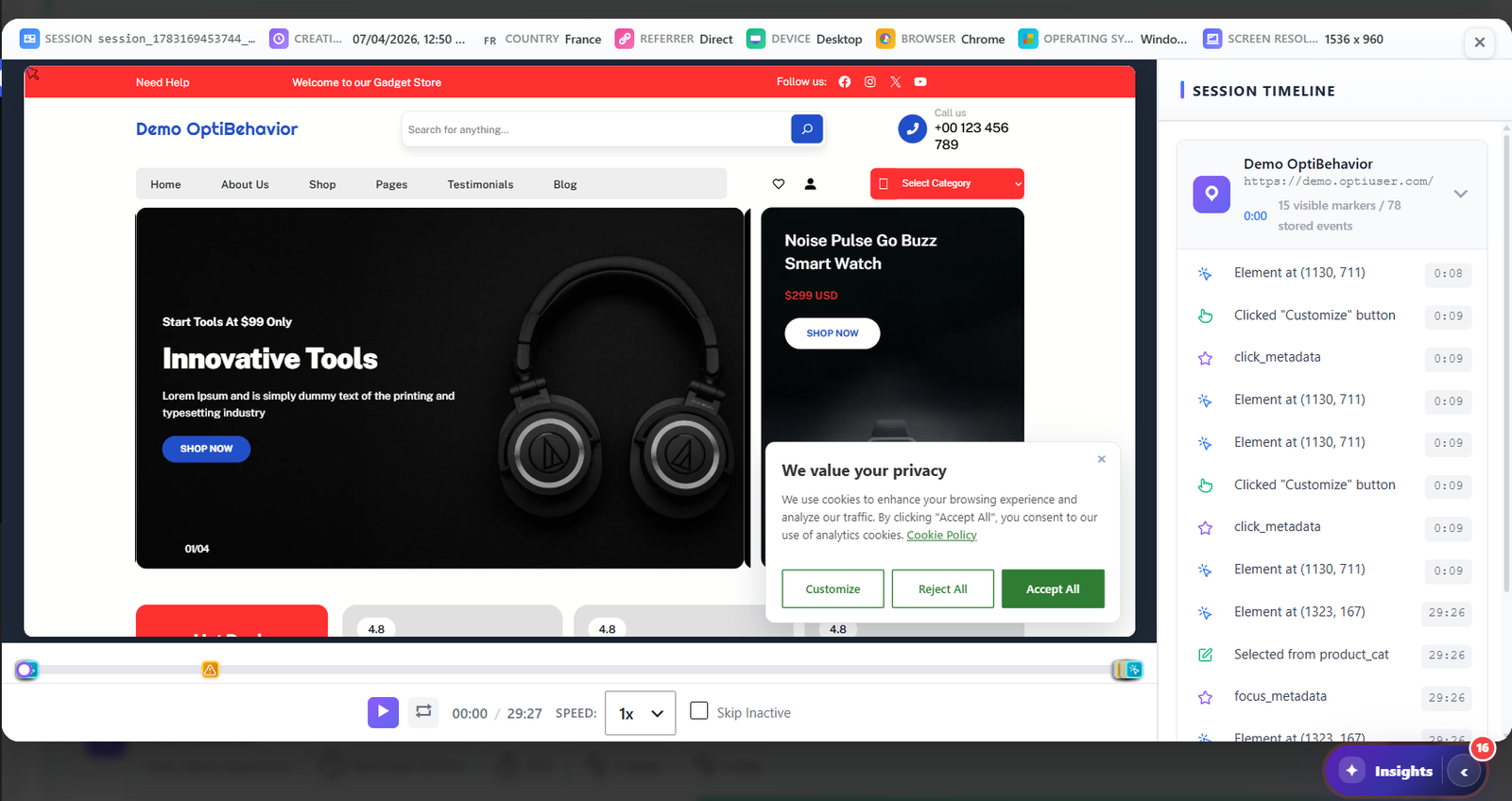
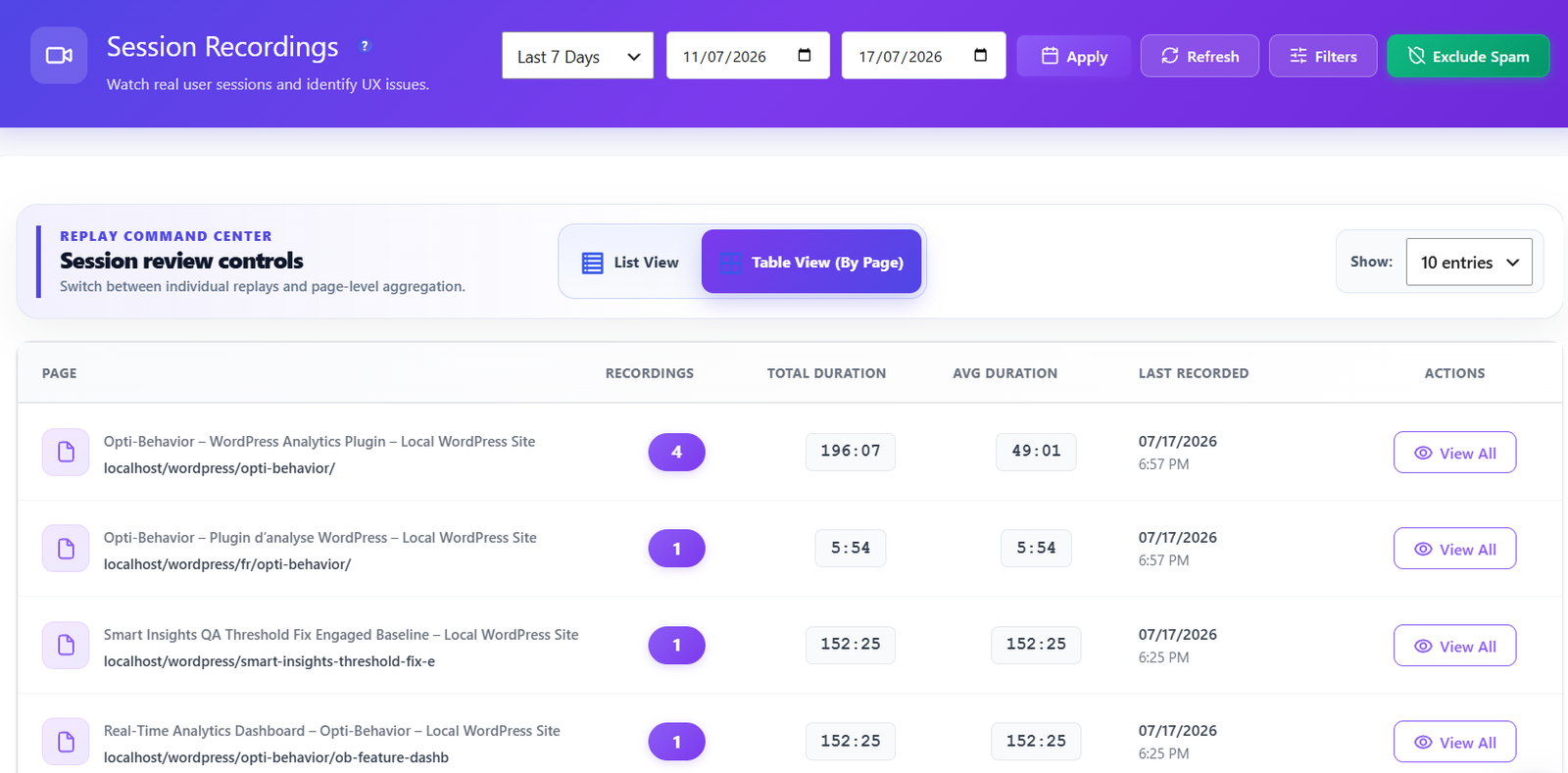
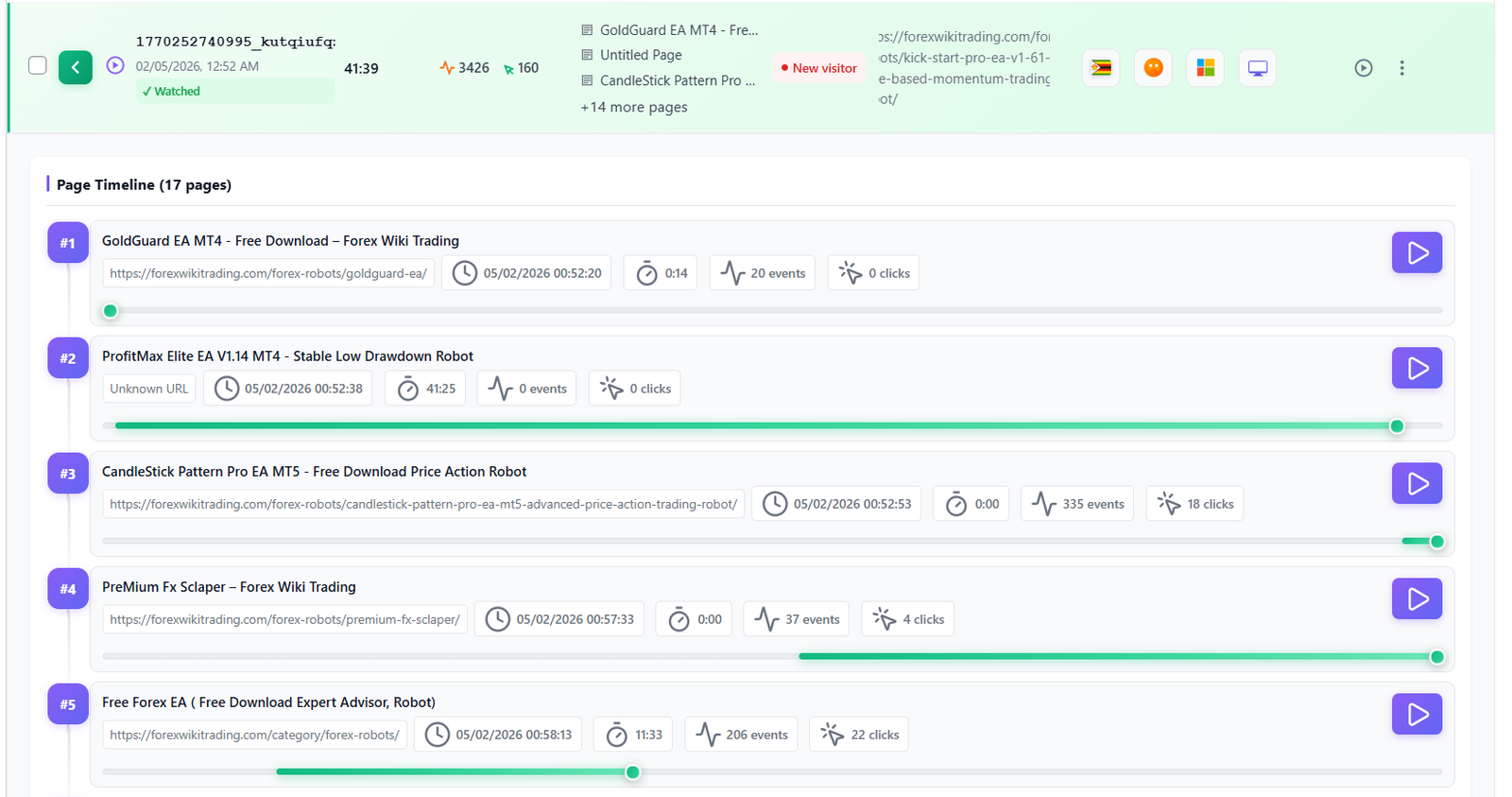
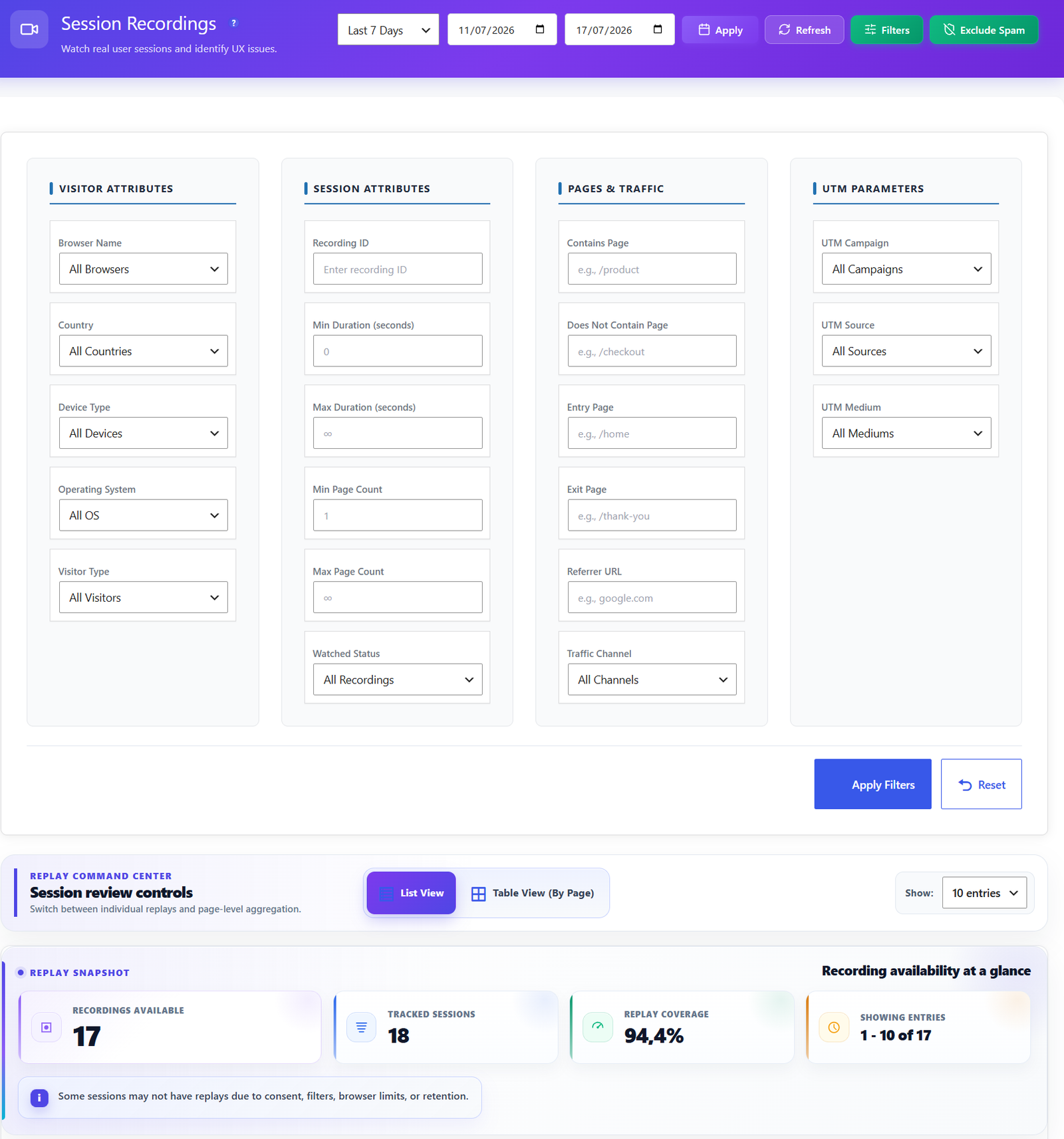
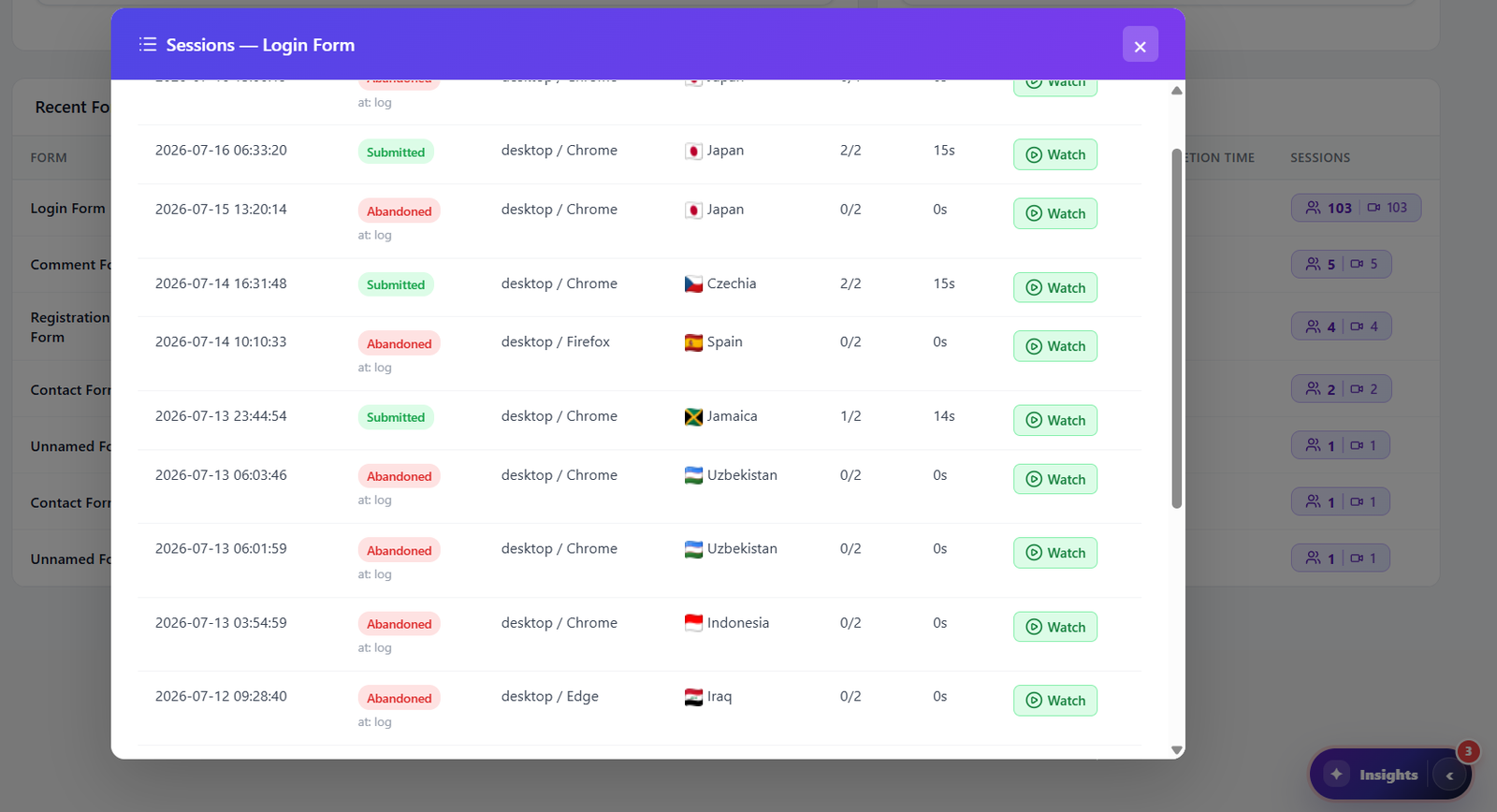
Watch real user sessions in full HD. Every click, scroll, hesitation, and tab change captured. Jump to any moment instantly — no more wasted time scrubbing through recordings.
Learn More →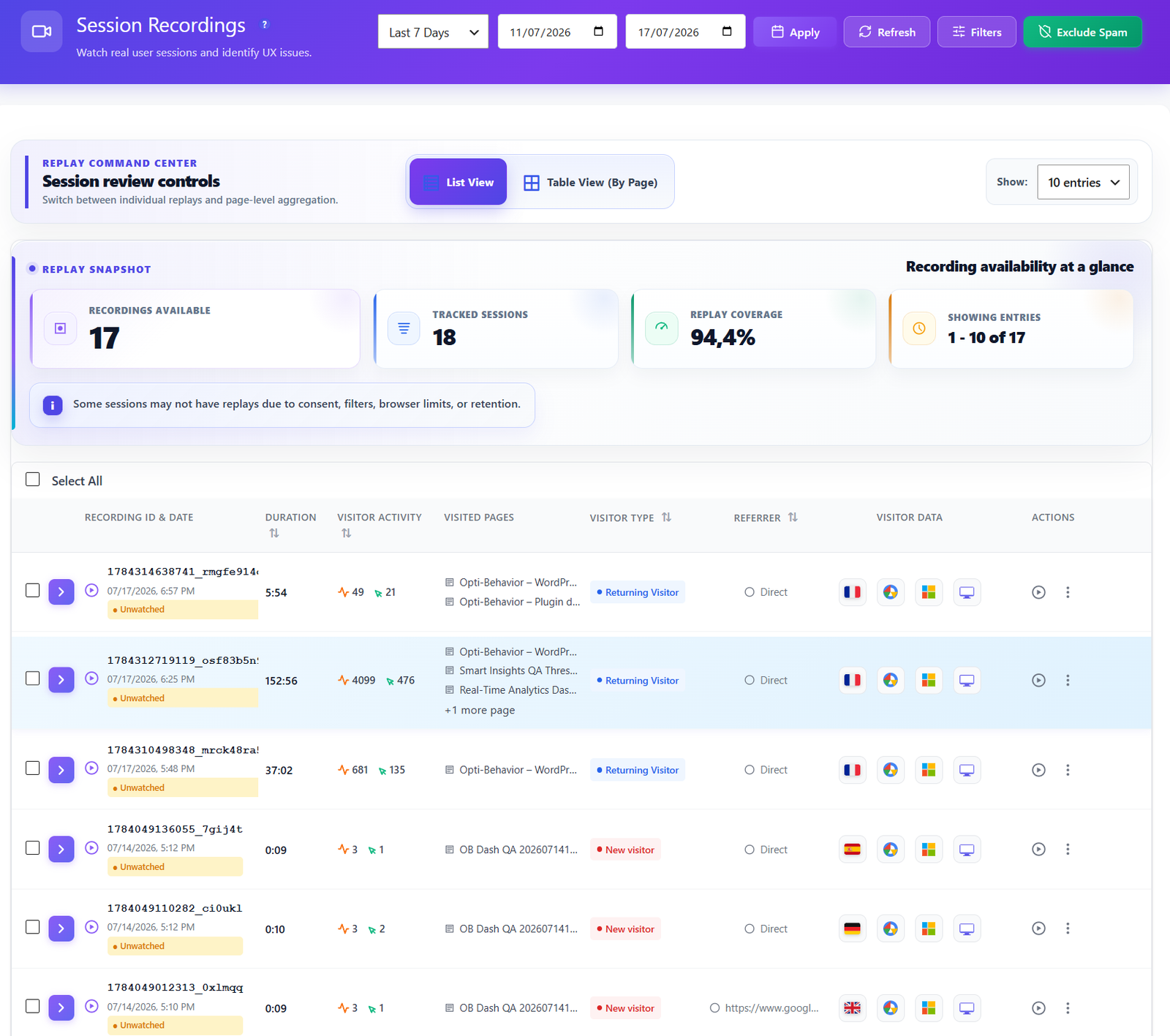
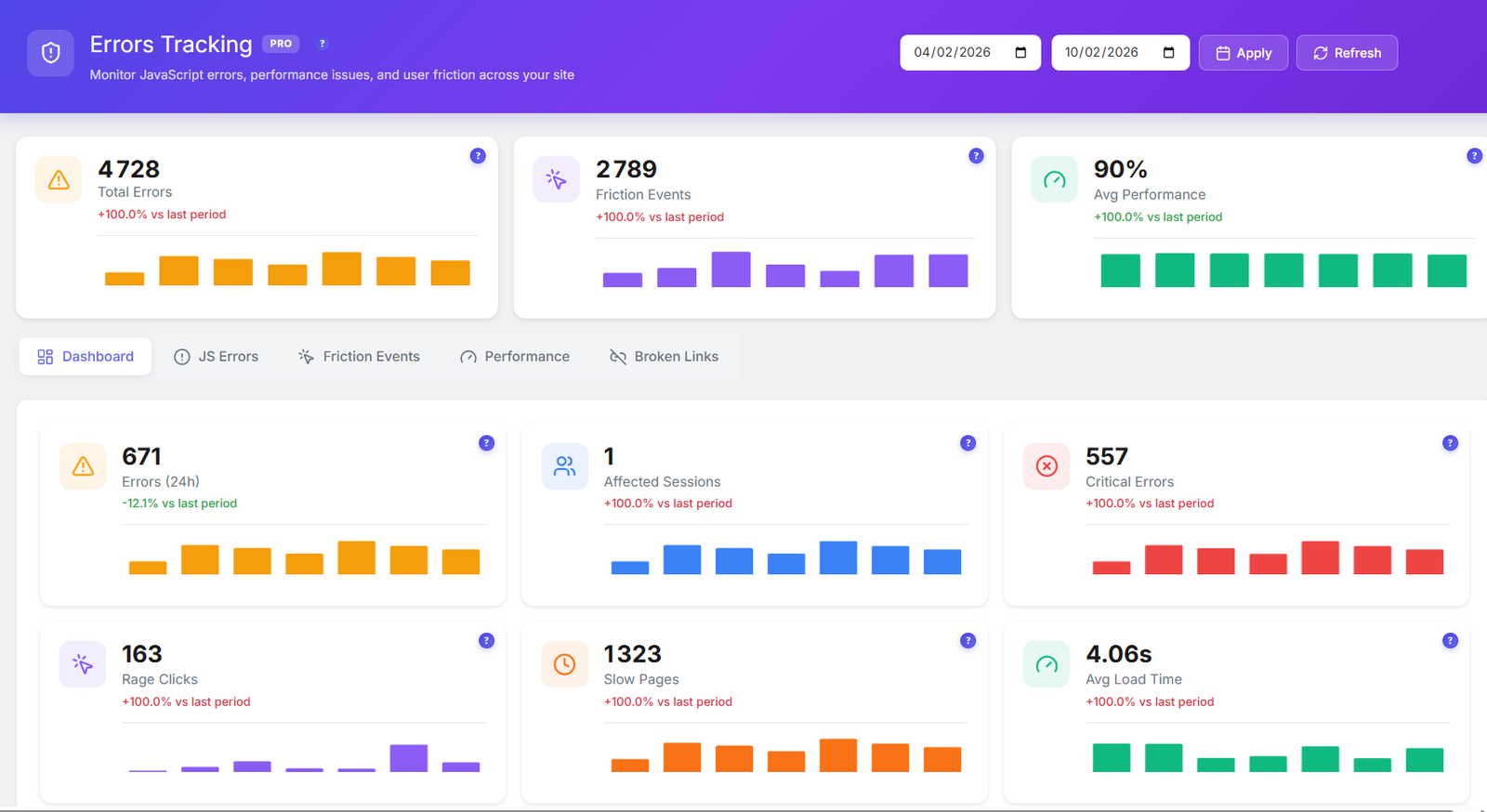
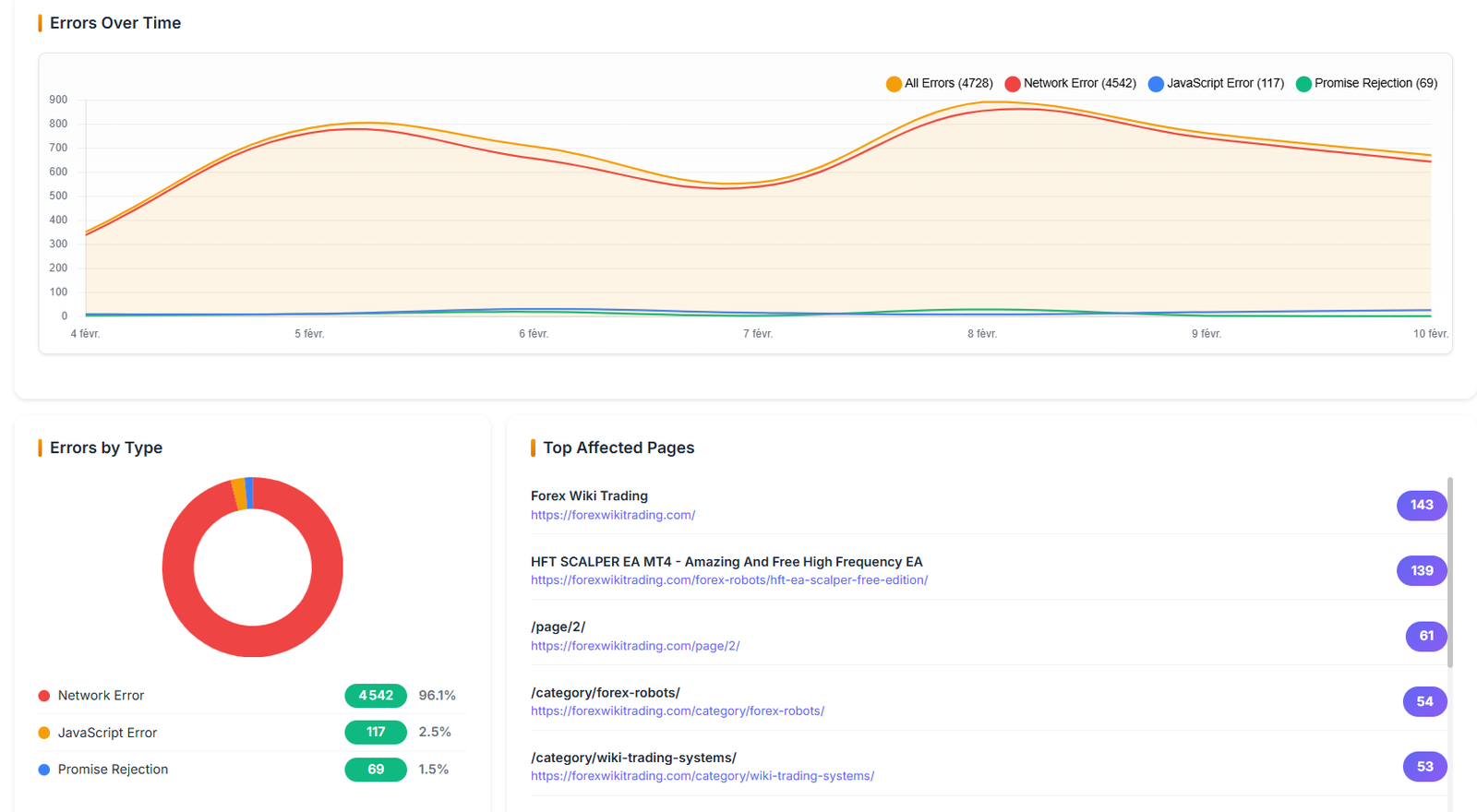
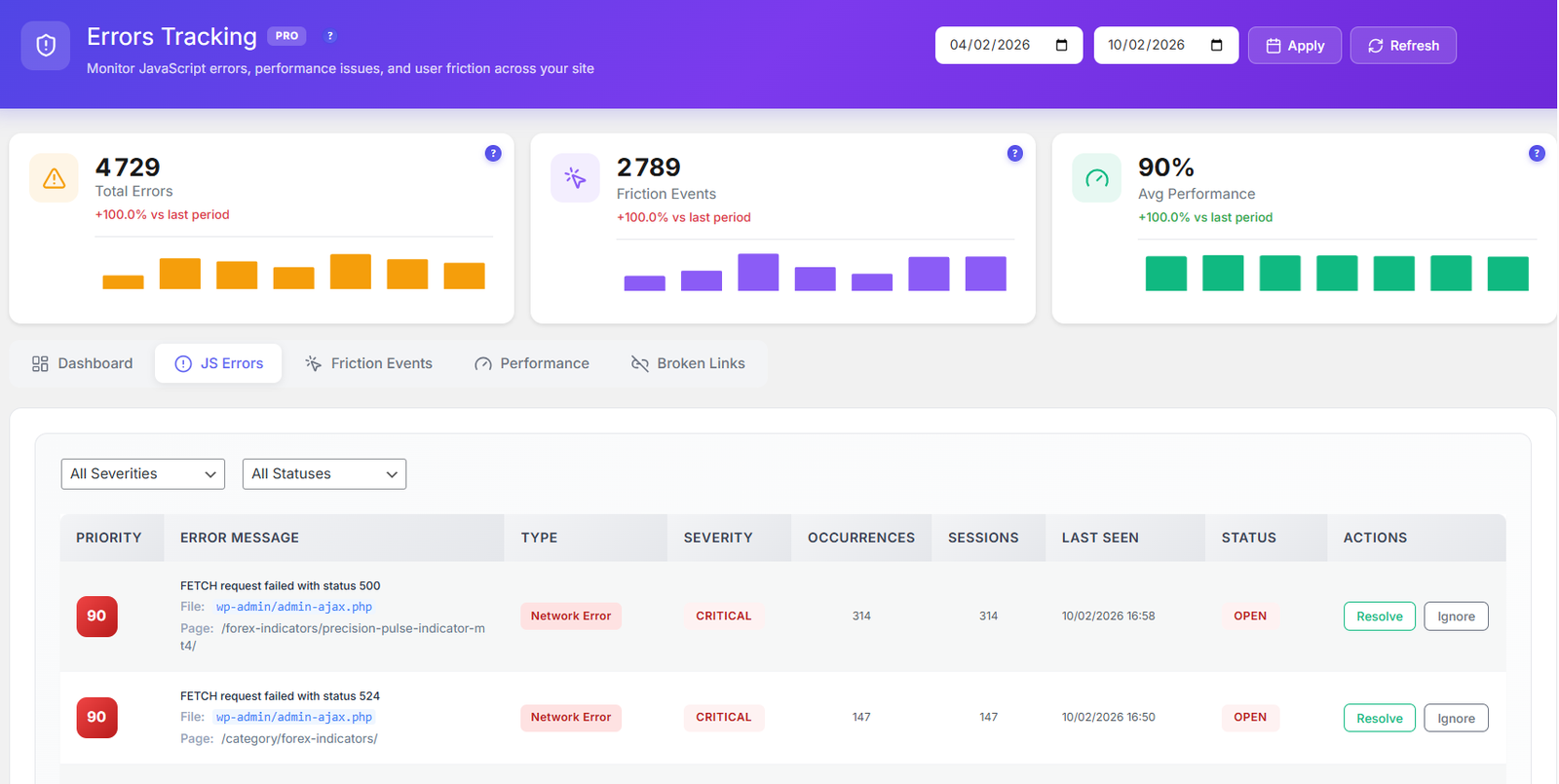
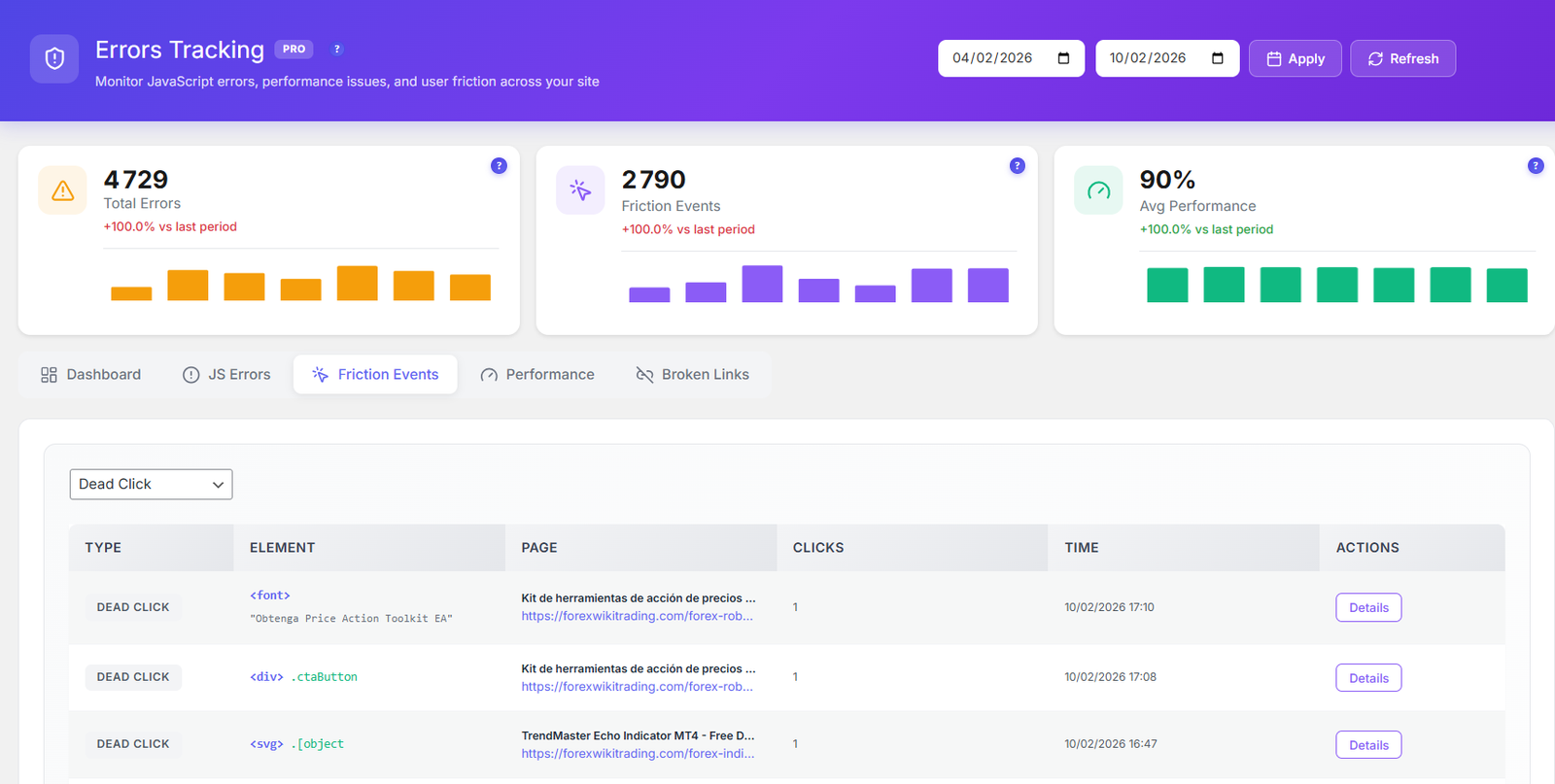
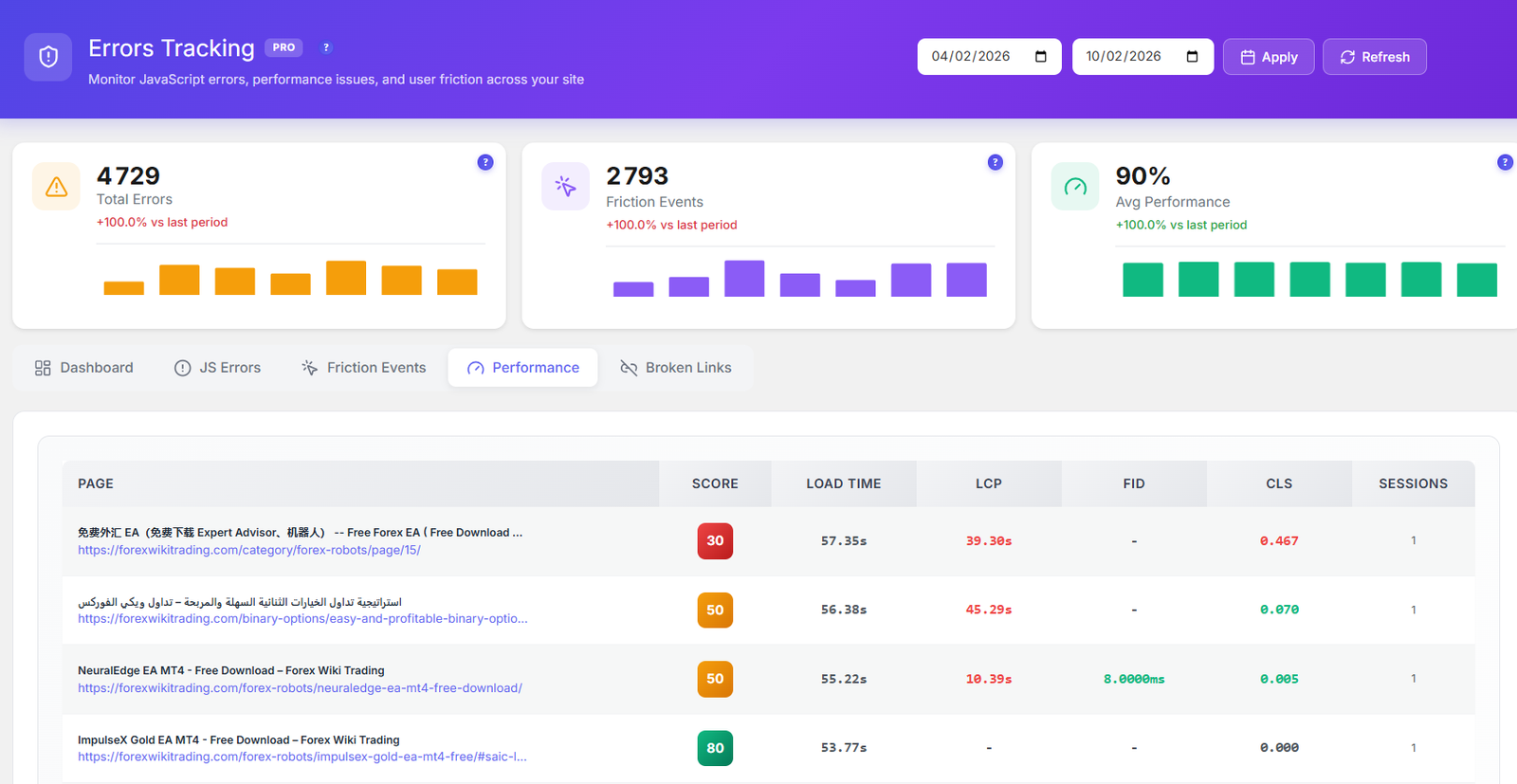
5 monitoring tools in one dashboard — JS Errors, Friction Events, Core Web Vitals, Performance Scoring, and Broken Link Detection. Know everything that breaks before your users do.
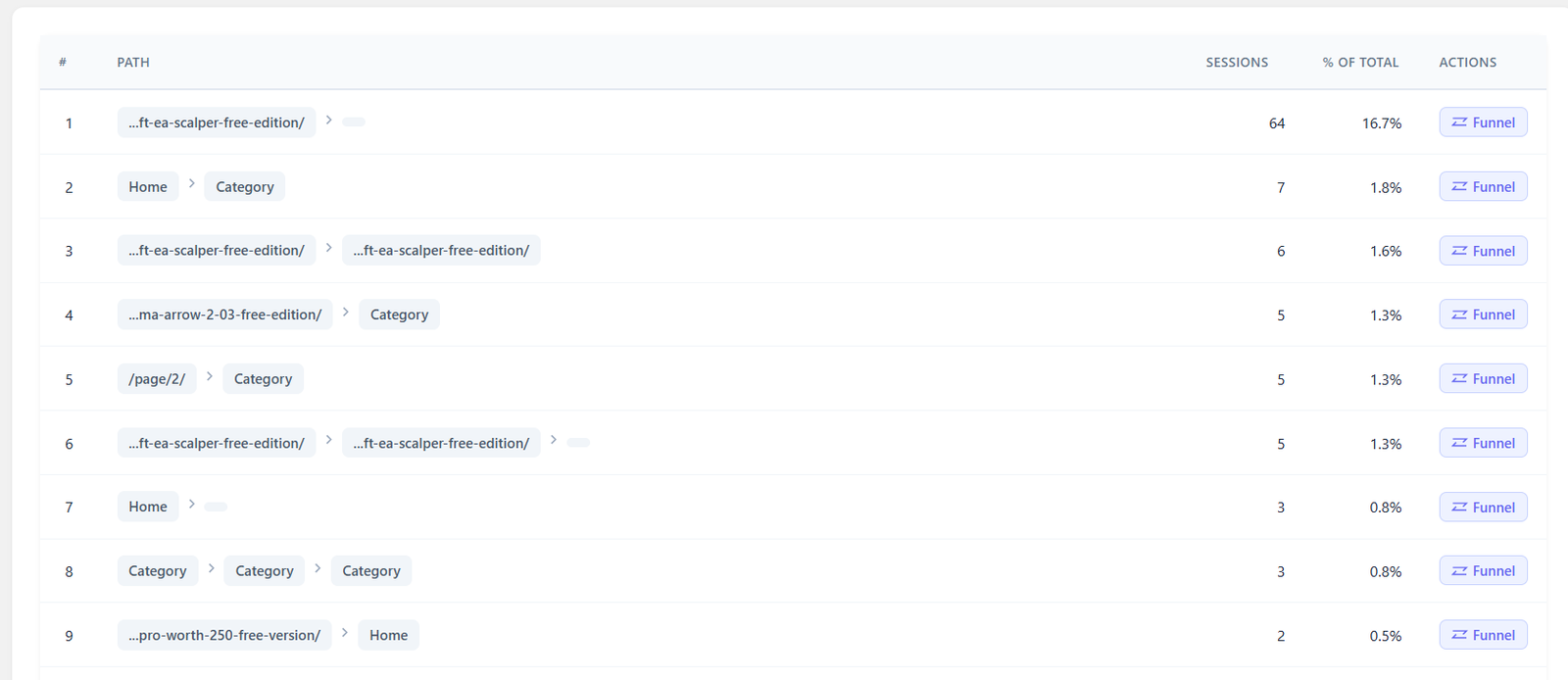
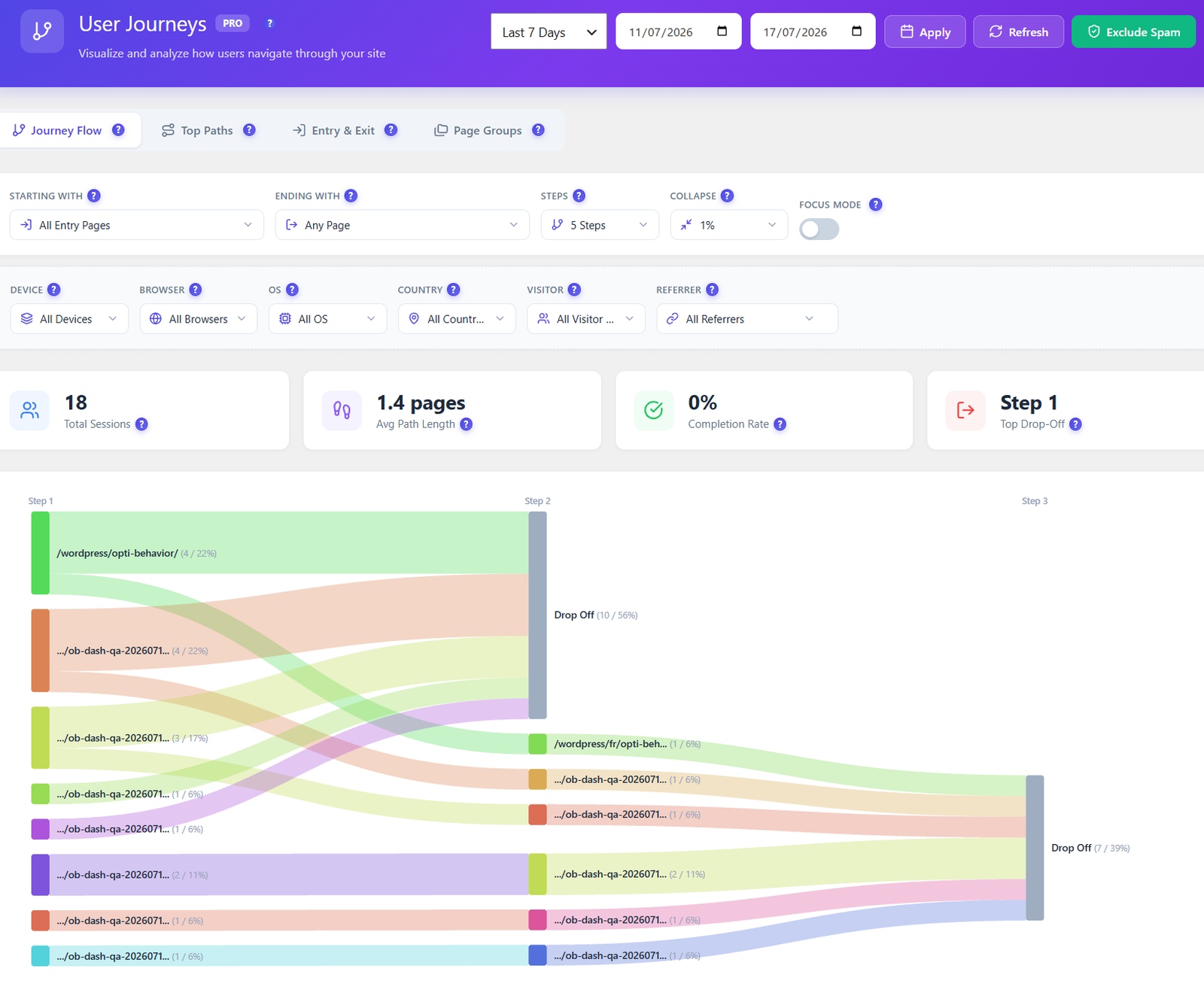
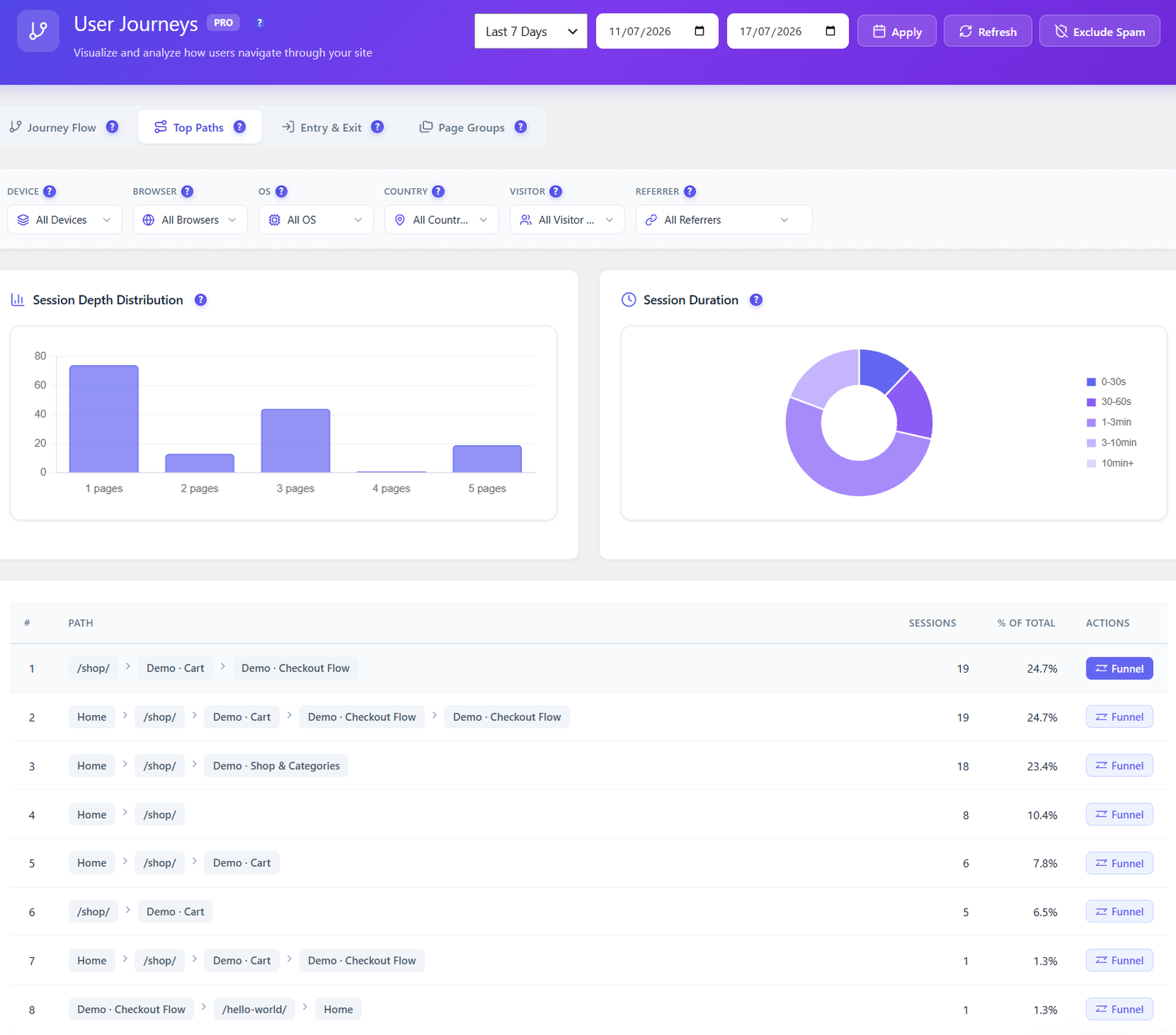
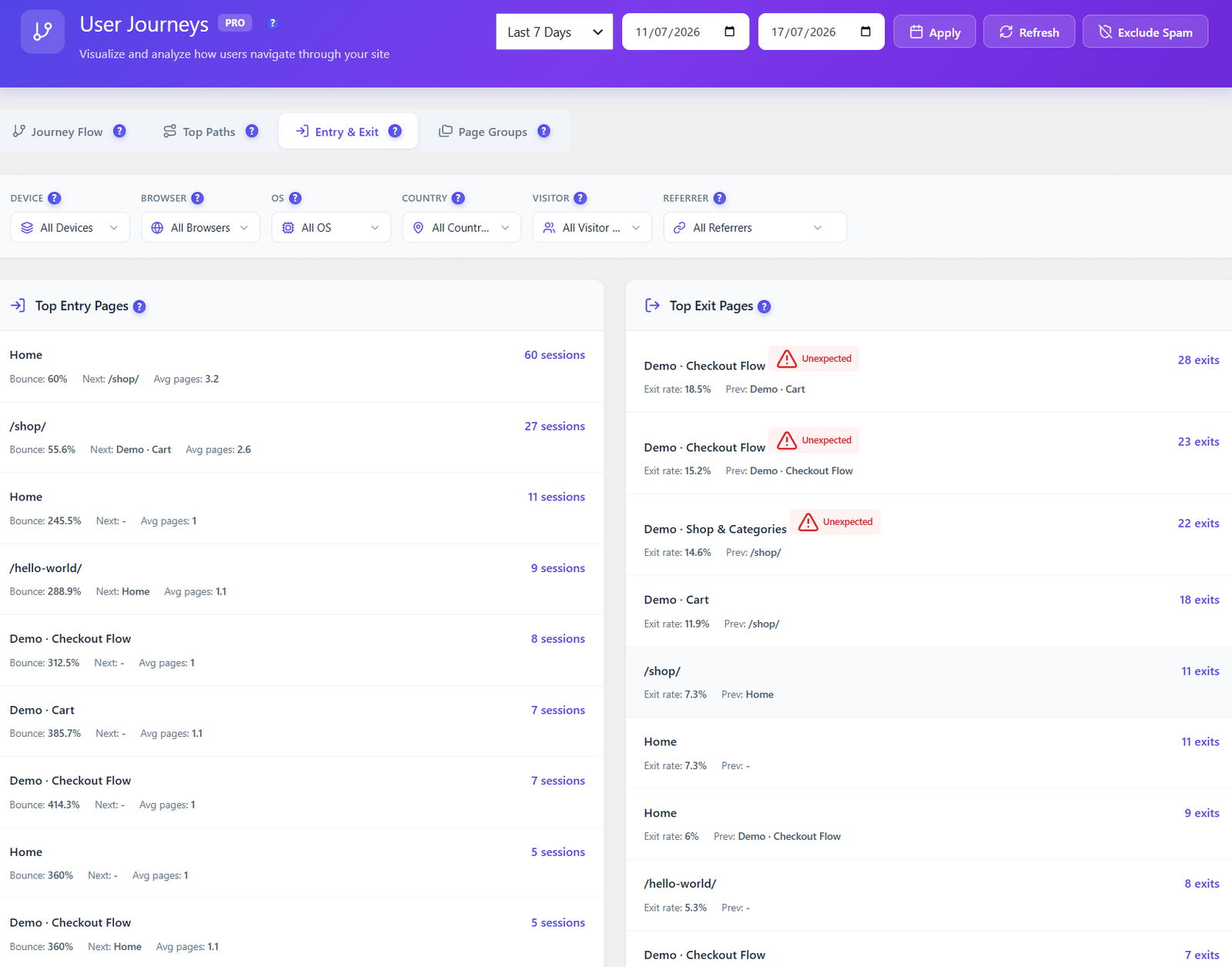
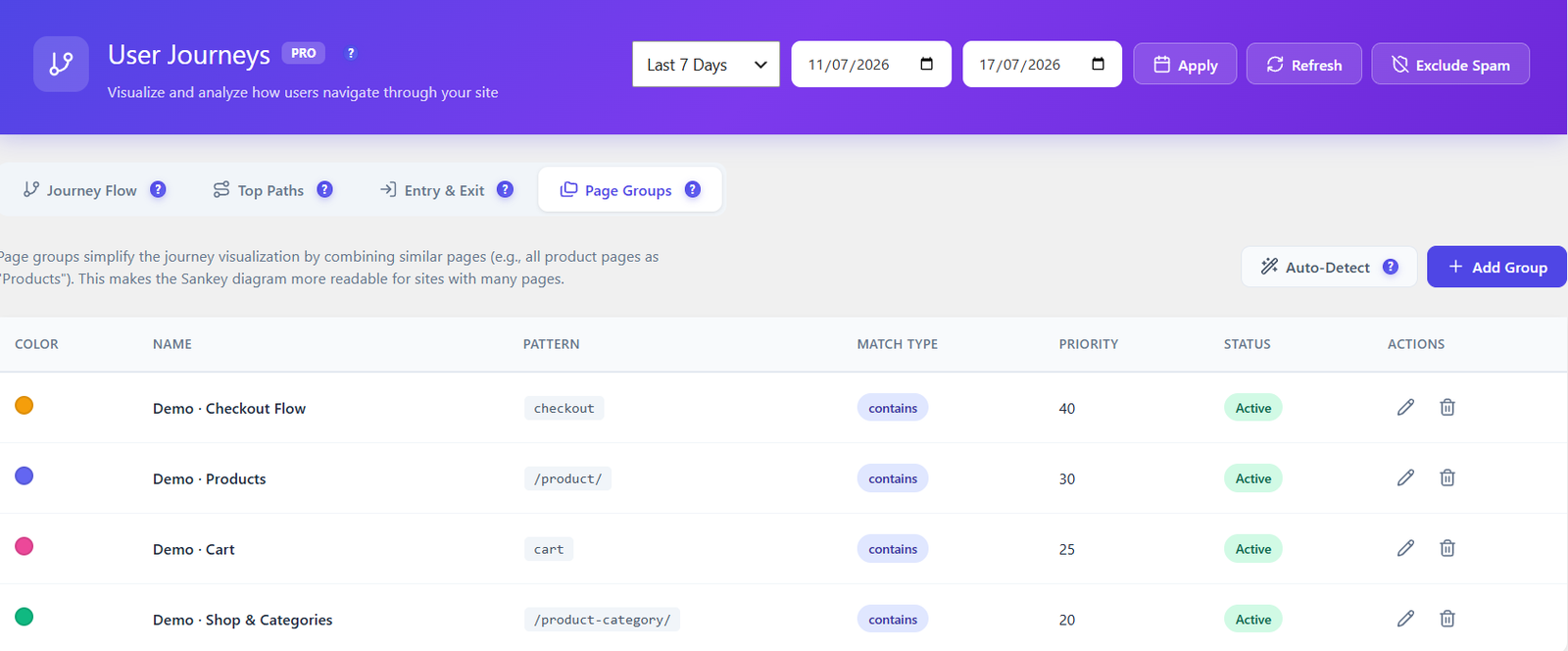
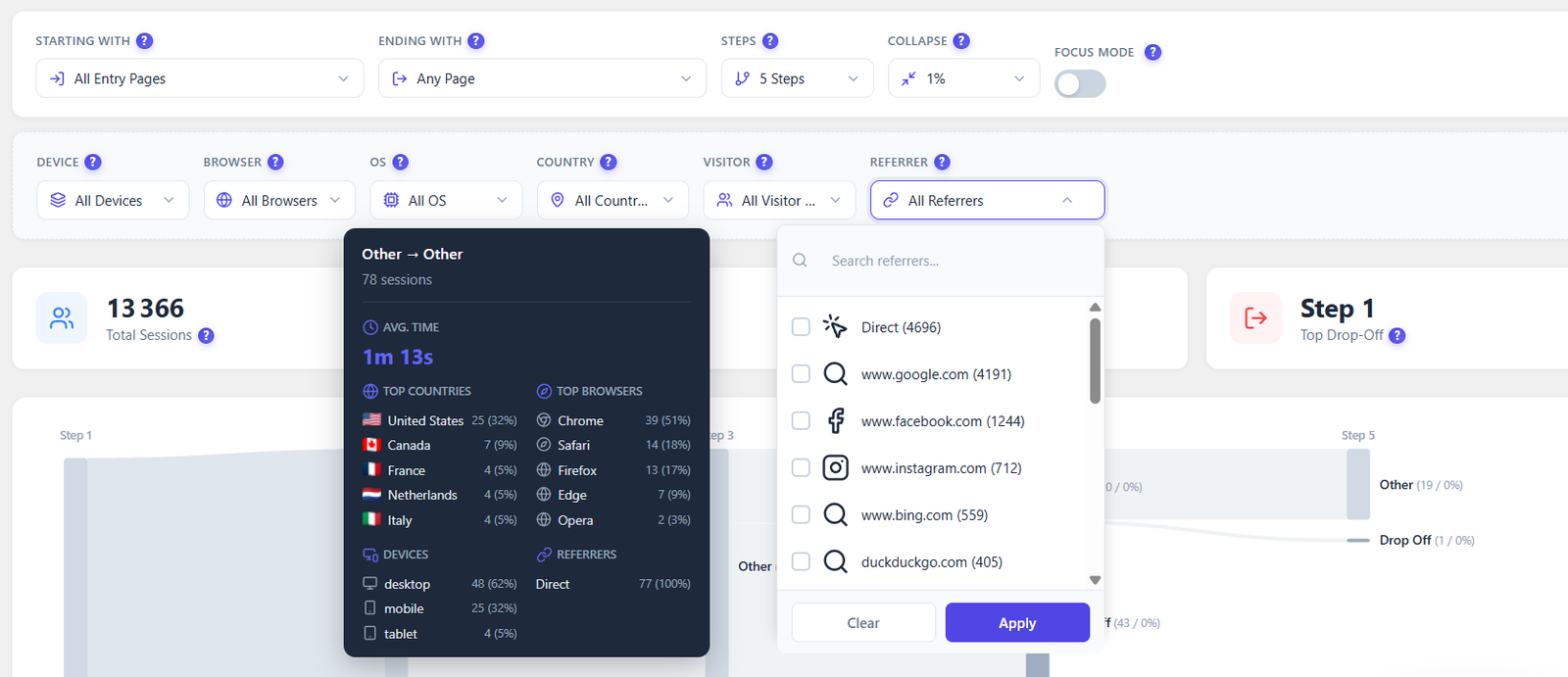
Visualize how users navigate your site with Sankey flow diagrams. Discover top paths, analyze entry and exit pages, group similar URLs, and convert any discovered path into a funnel in one click.
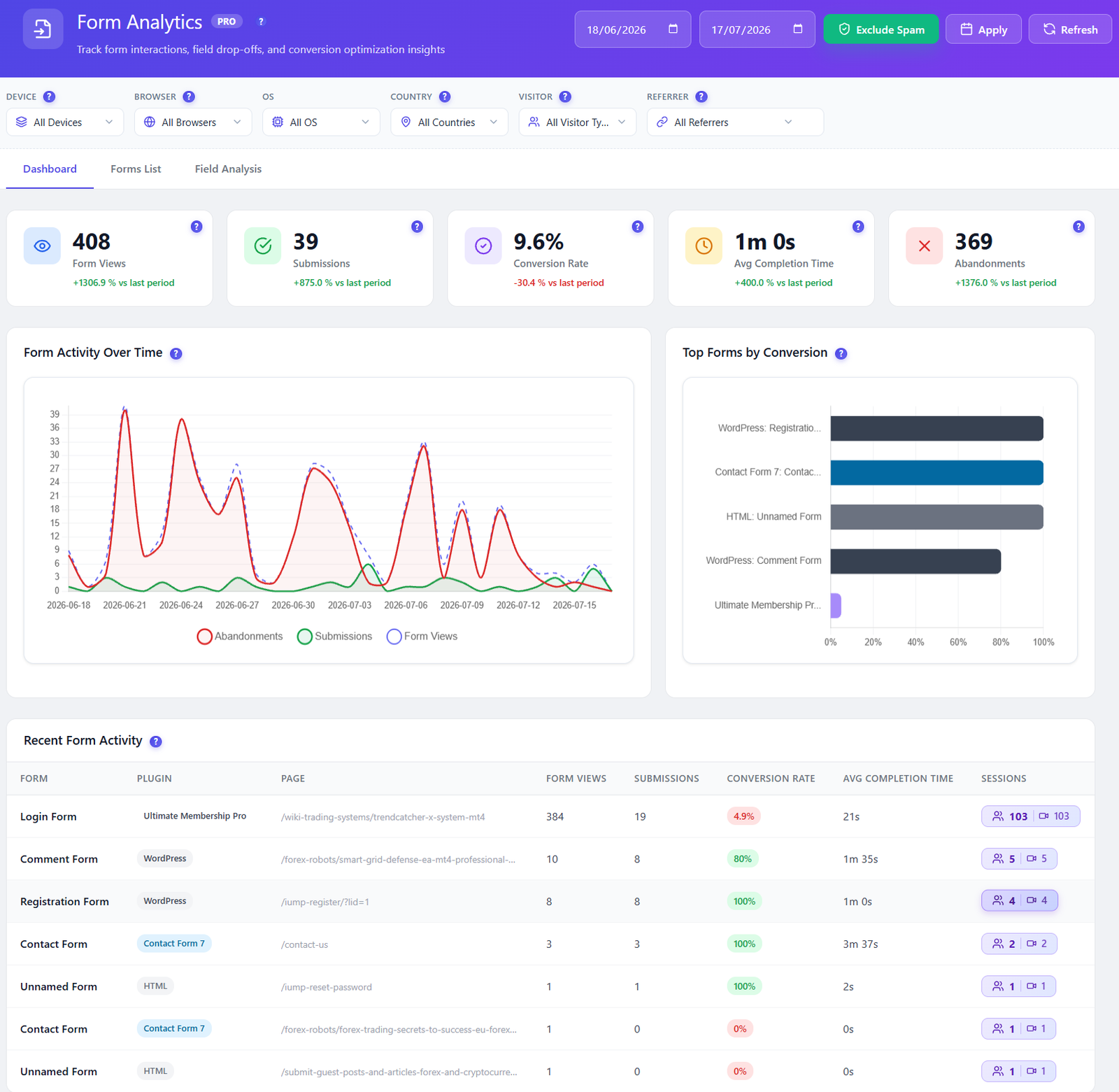
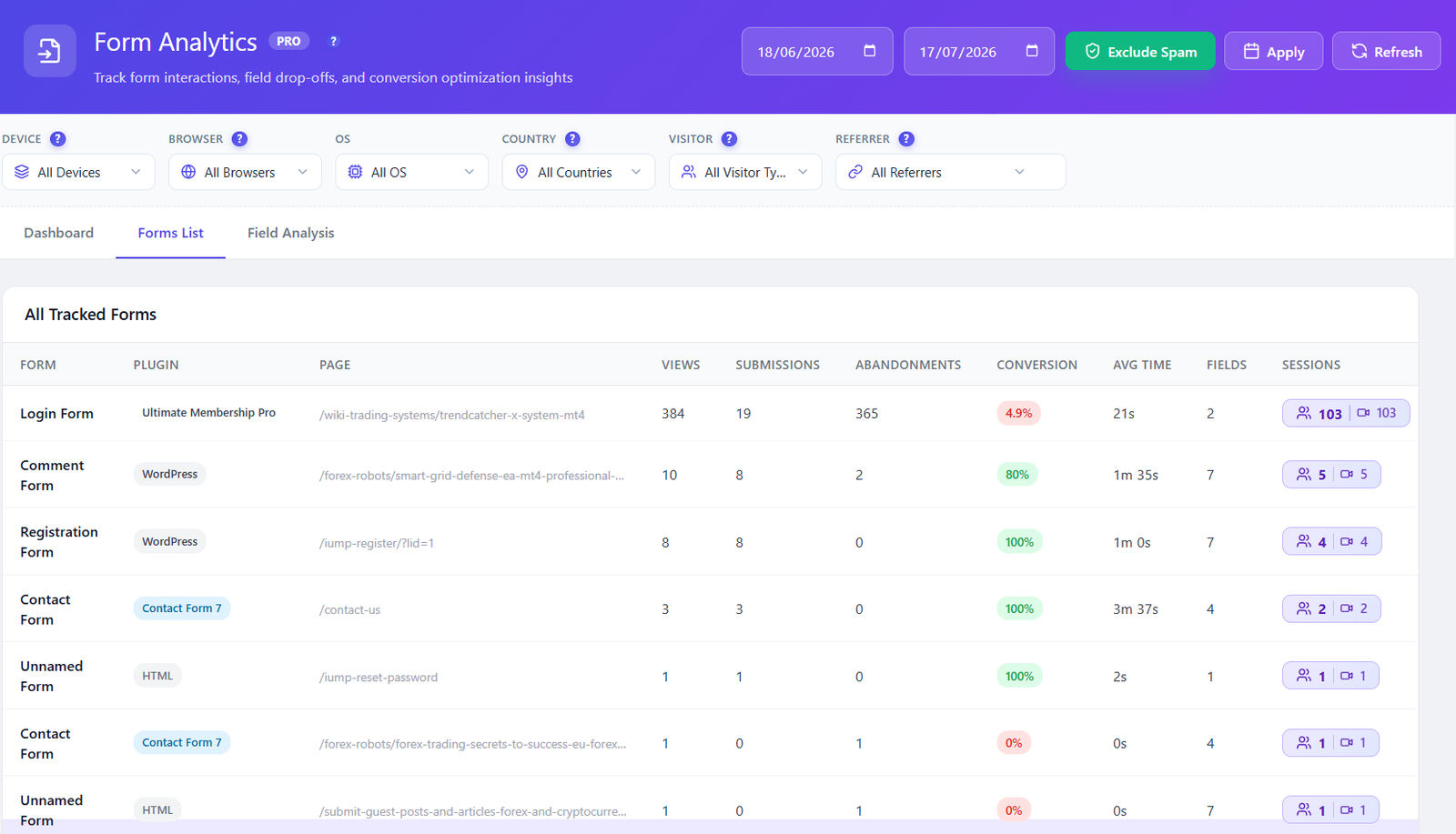
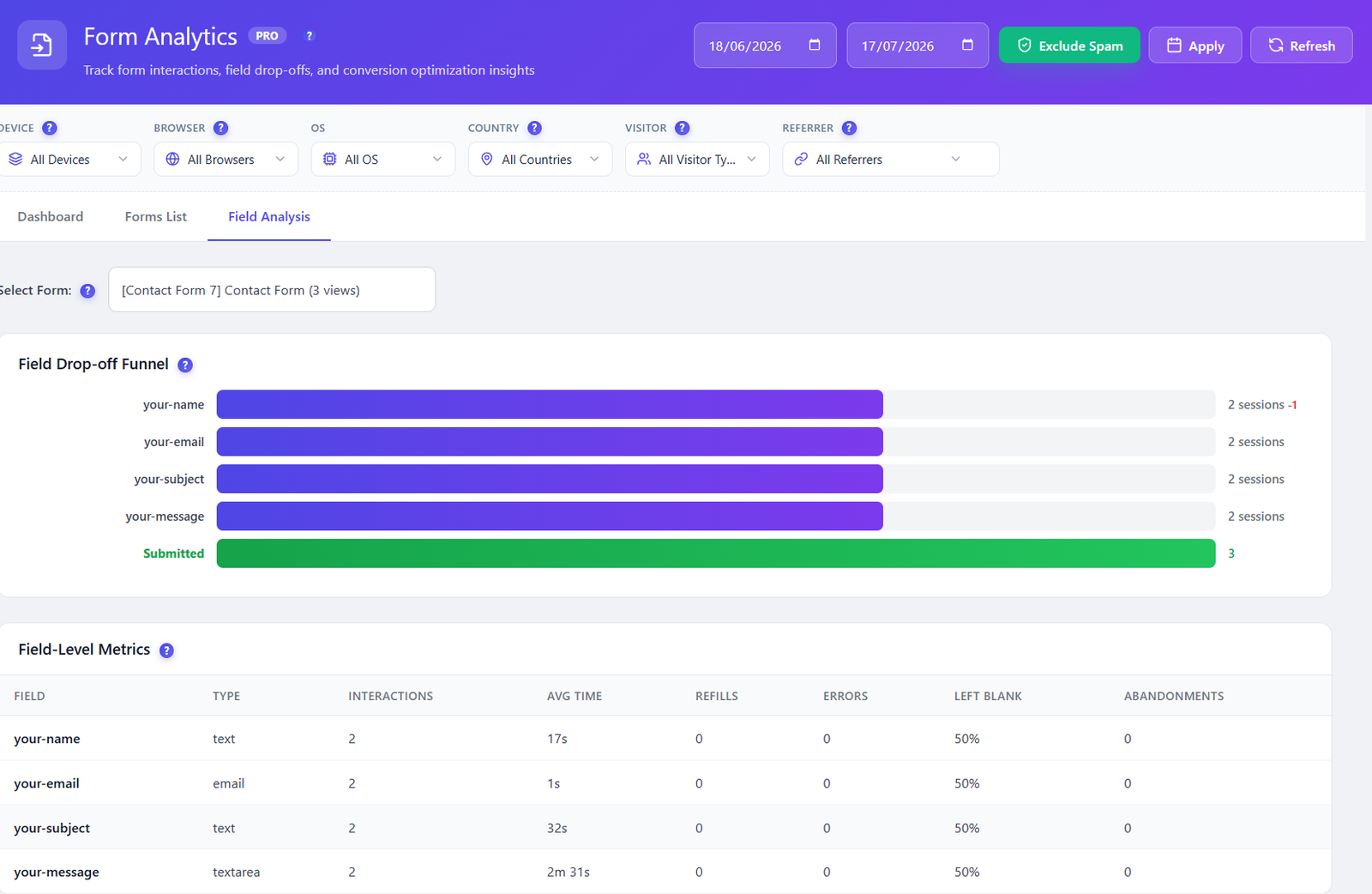
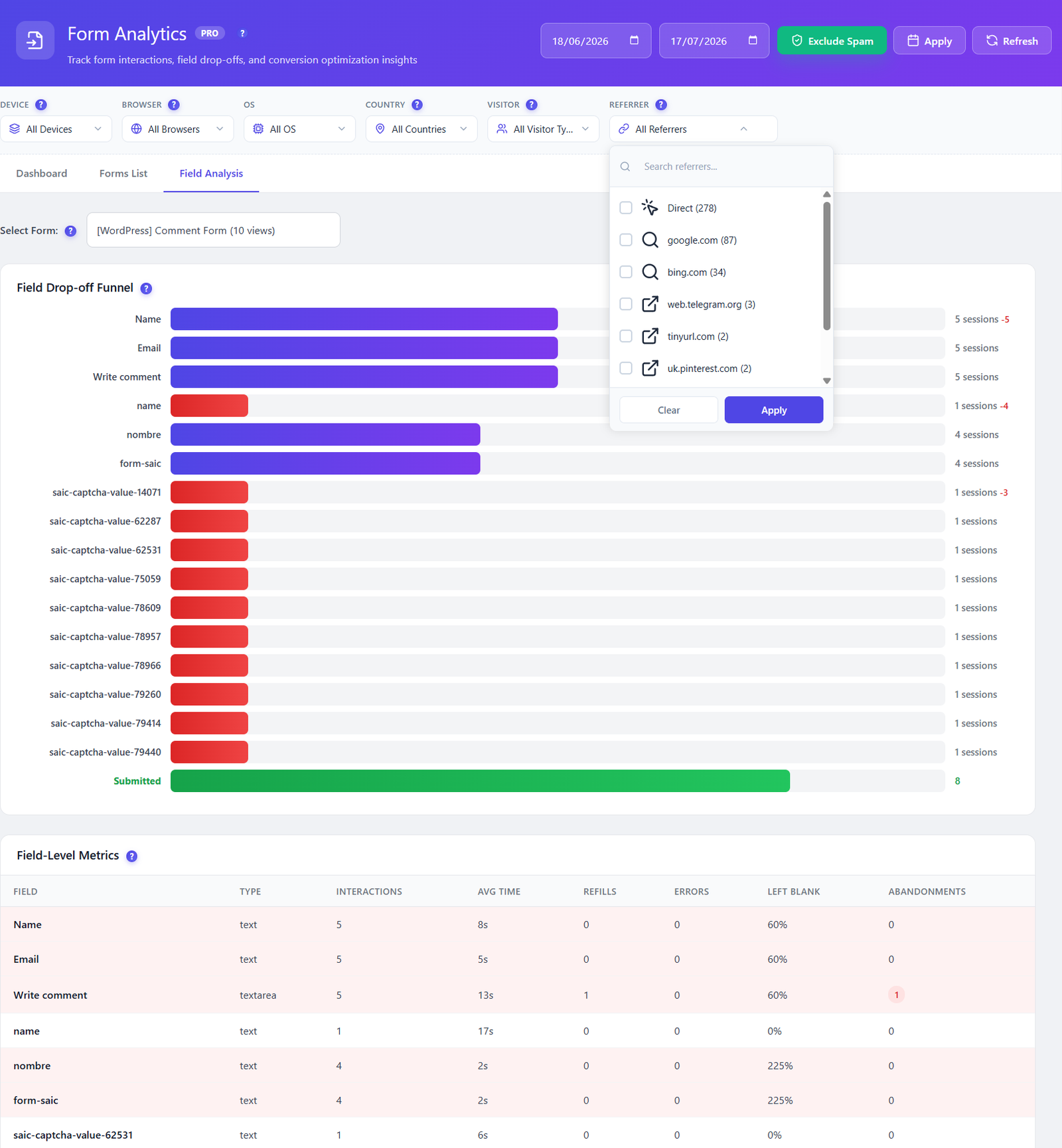
Track every form interaction at the field level. Drop-off funnels, time per field, error detection, and session replay for every form submission — all self-hosted, all GDPR compliant.
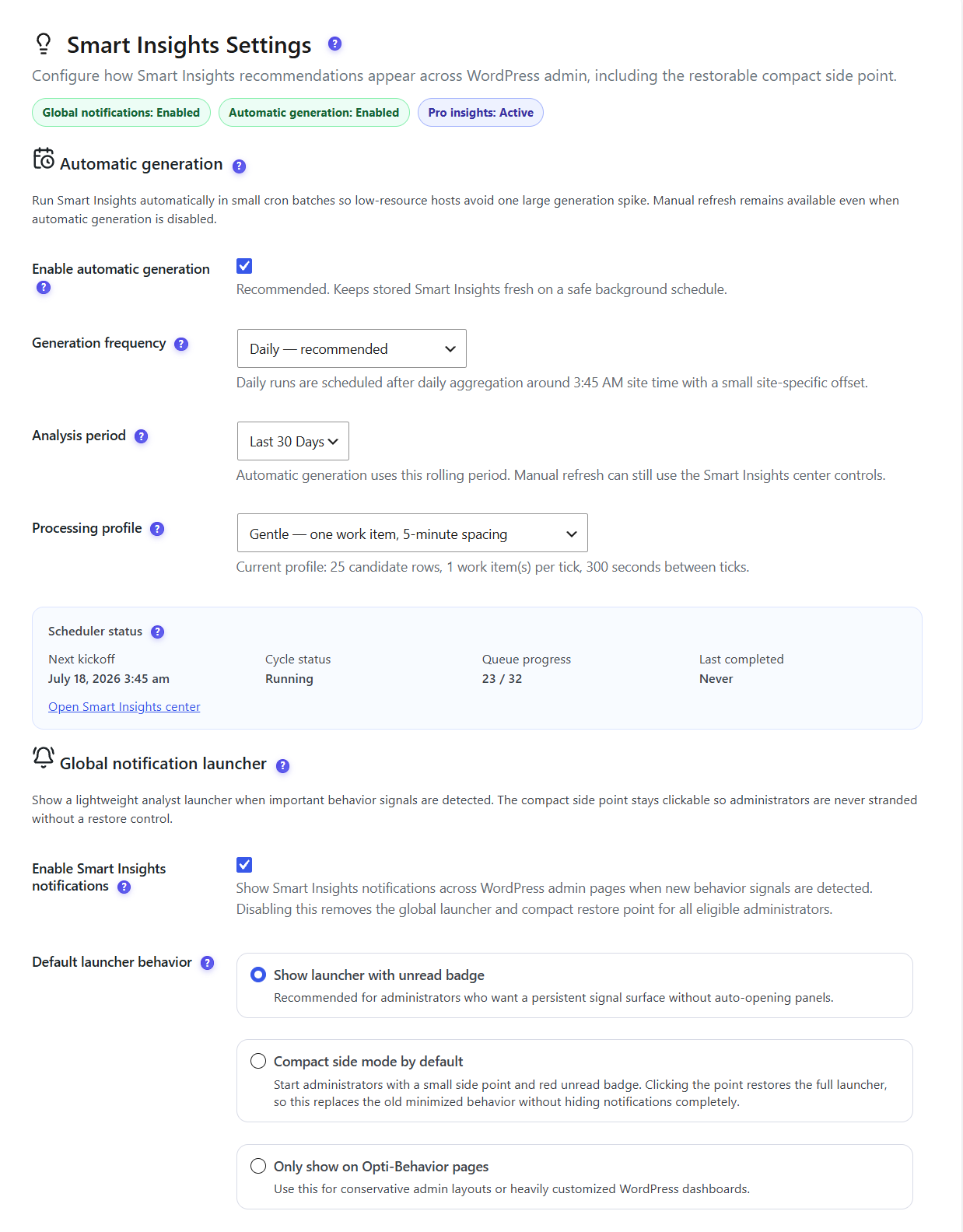
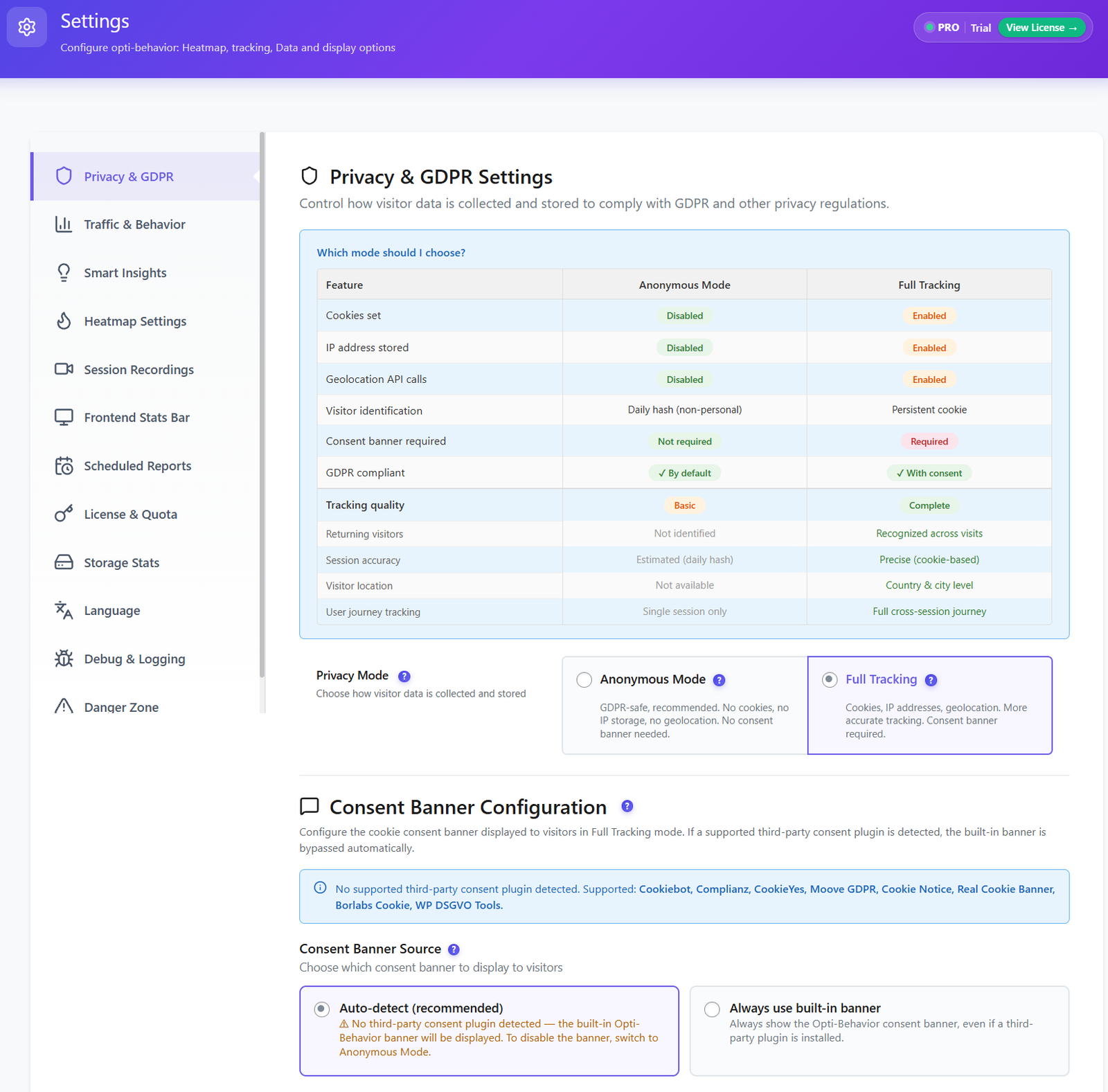
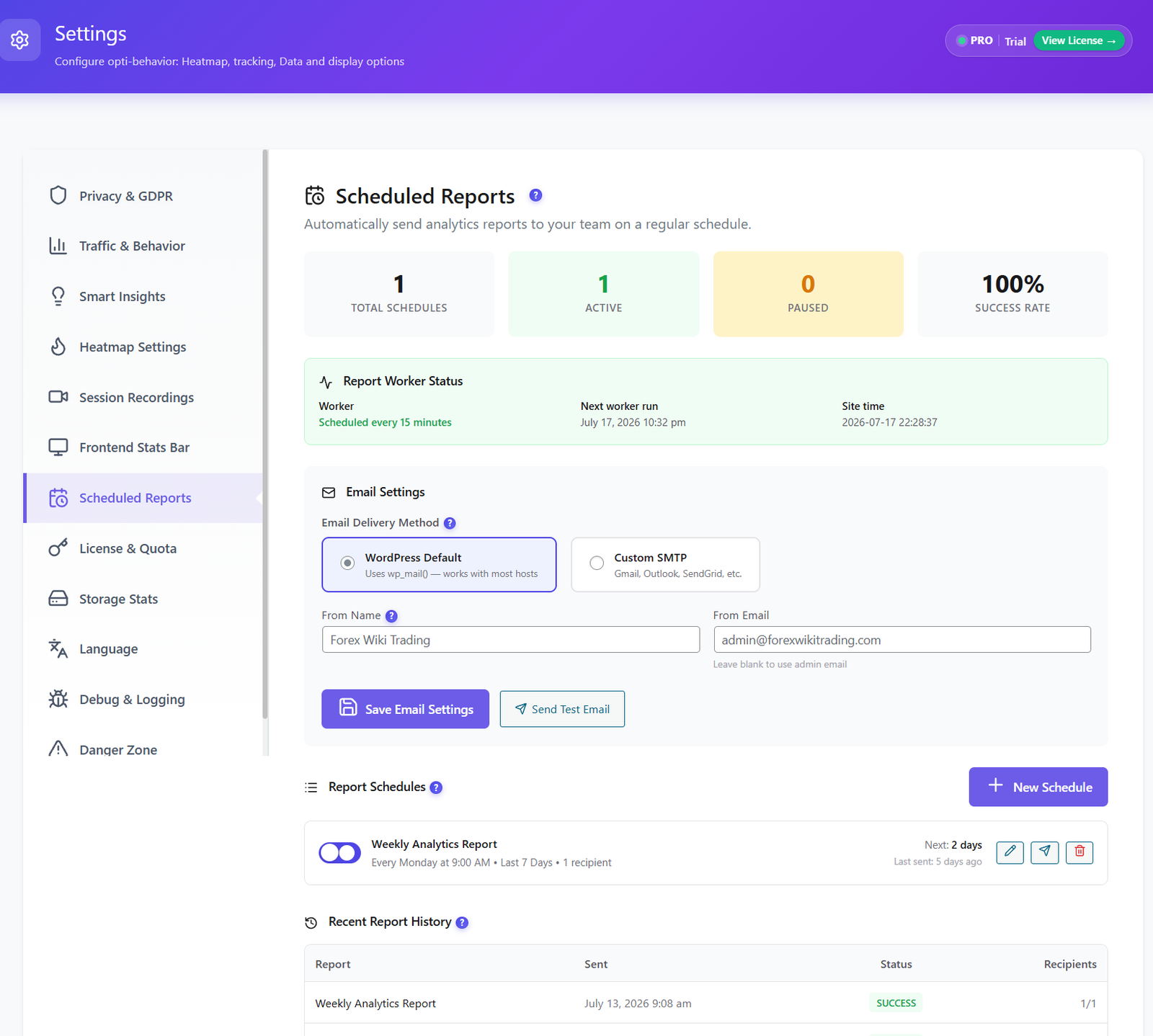
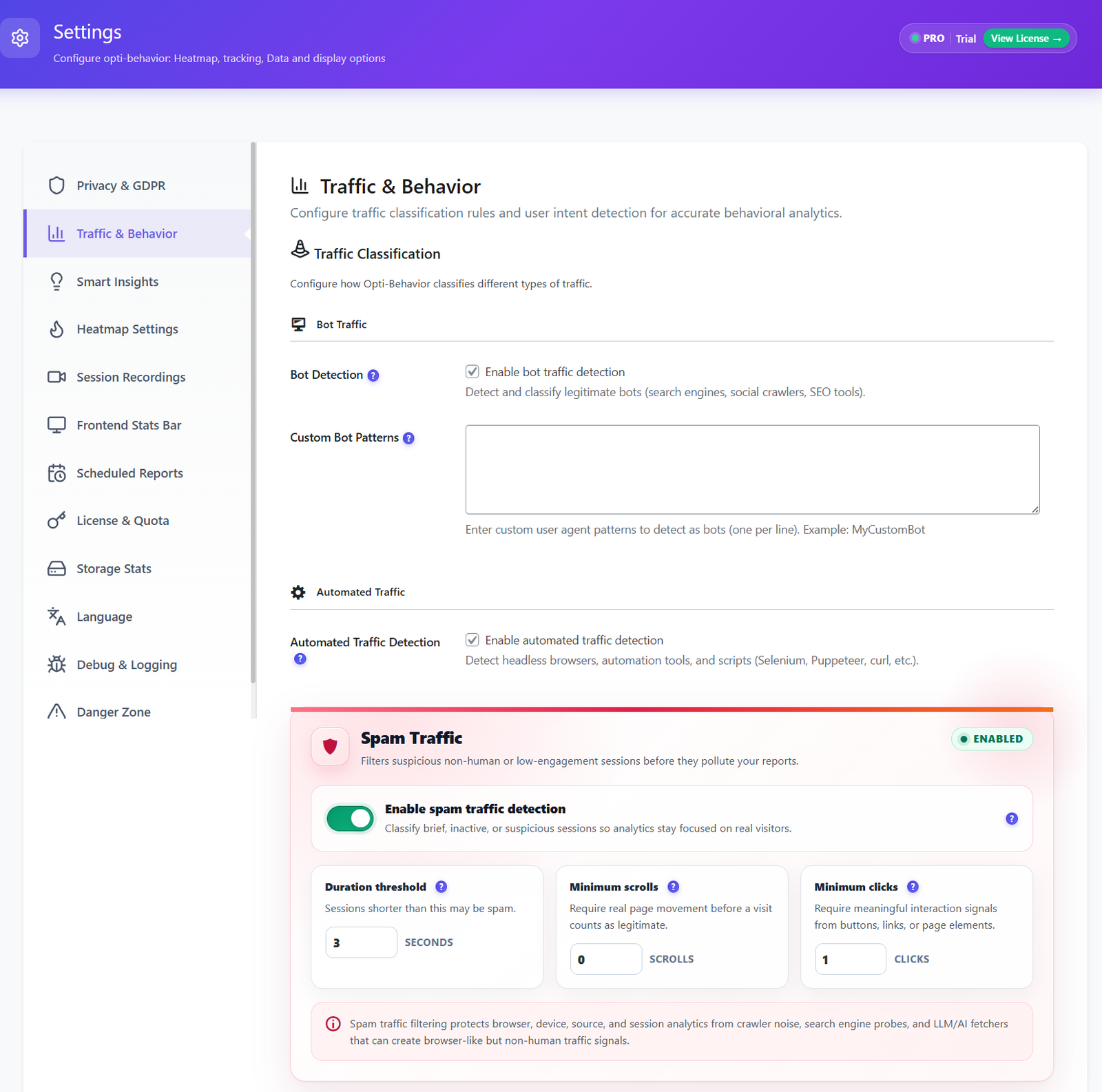
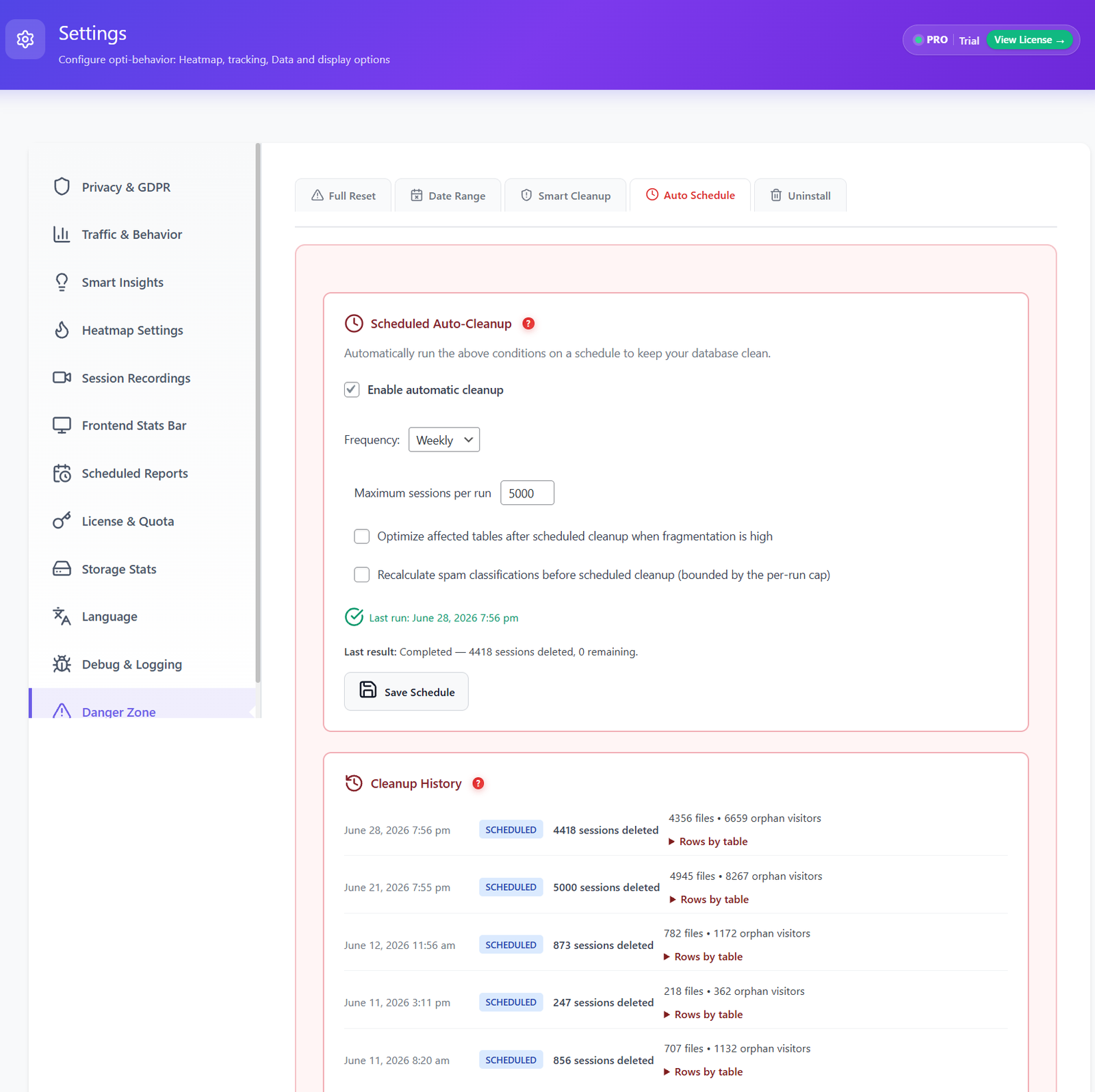
10 dedicated settings pages — fine-tune every aspect of your analytics, privacy, storage, scheduling, and data management. Full control, always on your server.
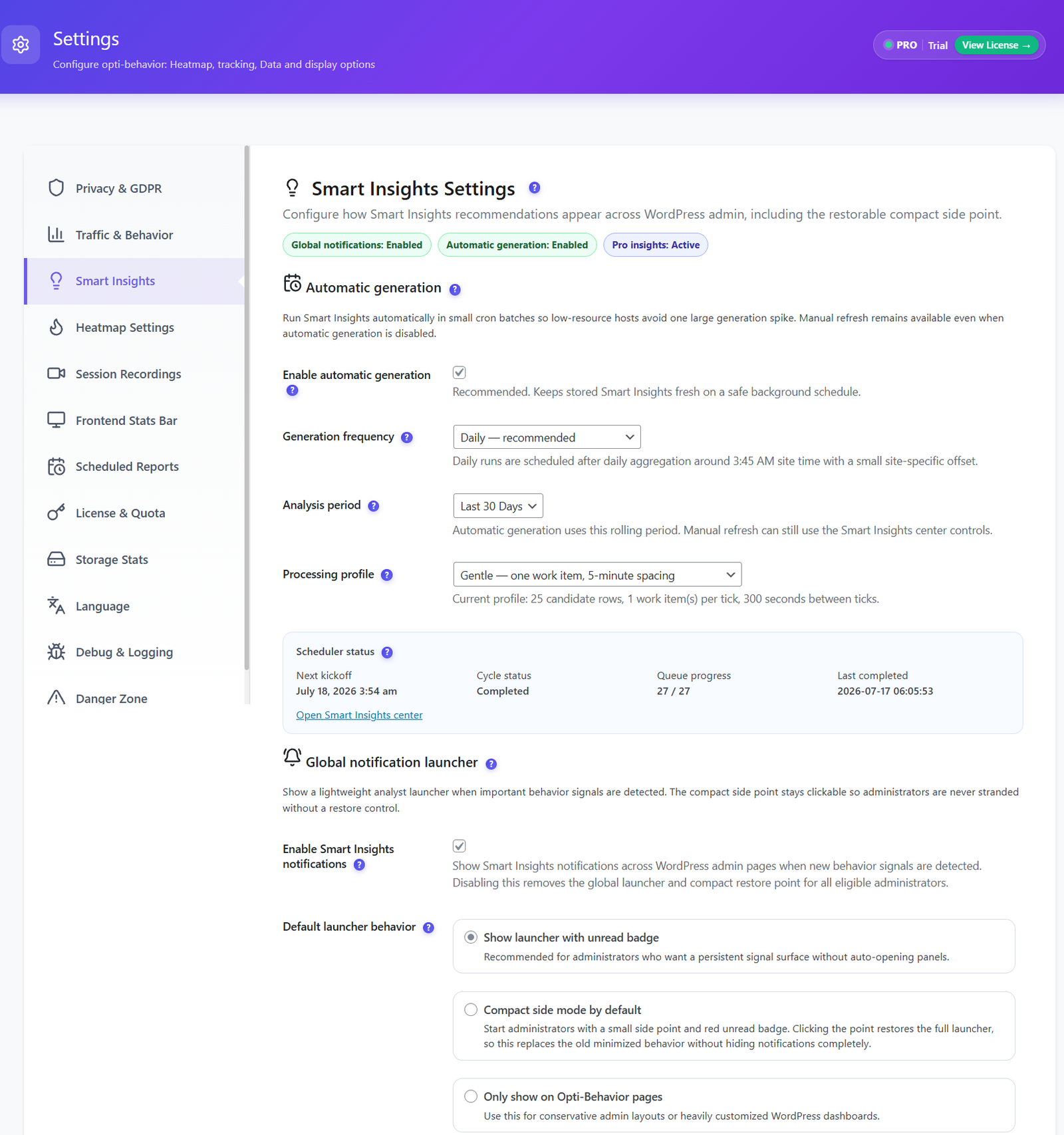
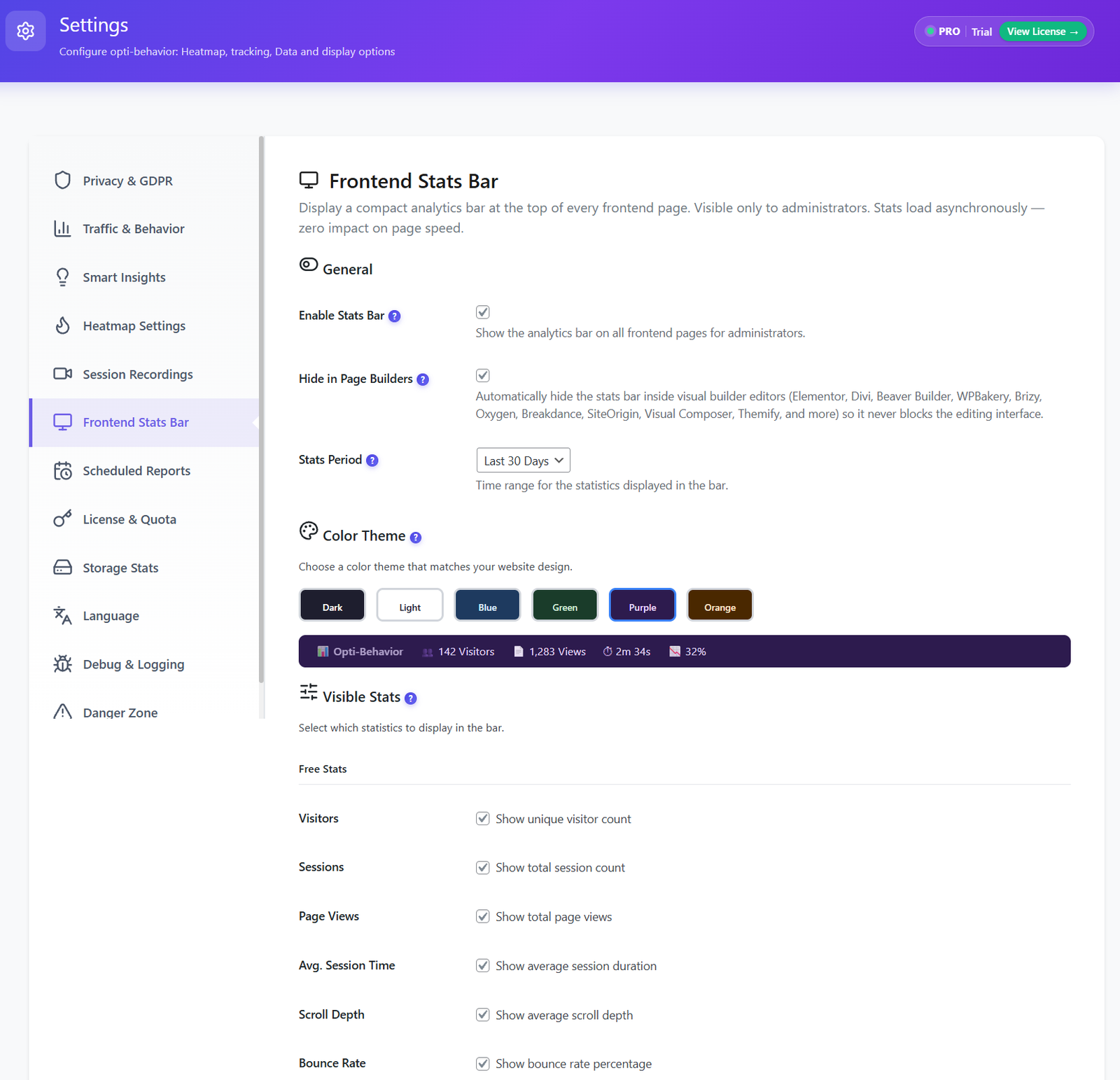
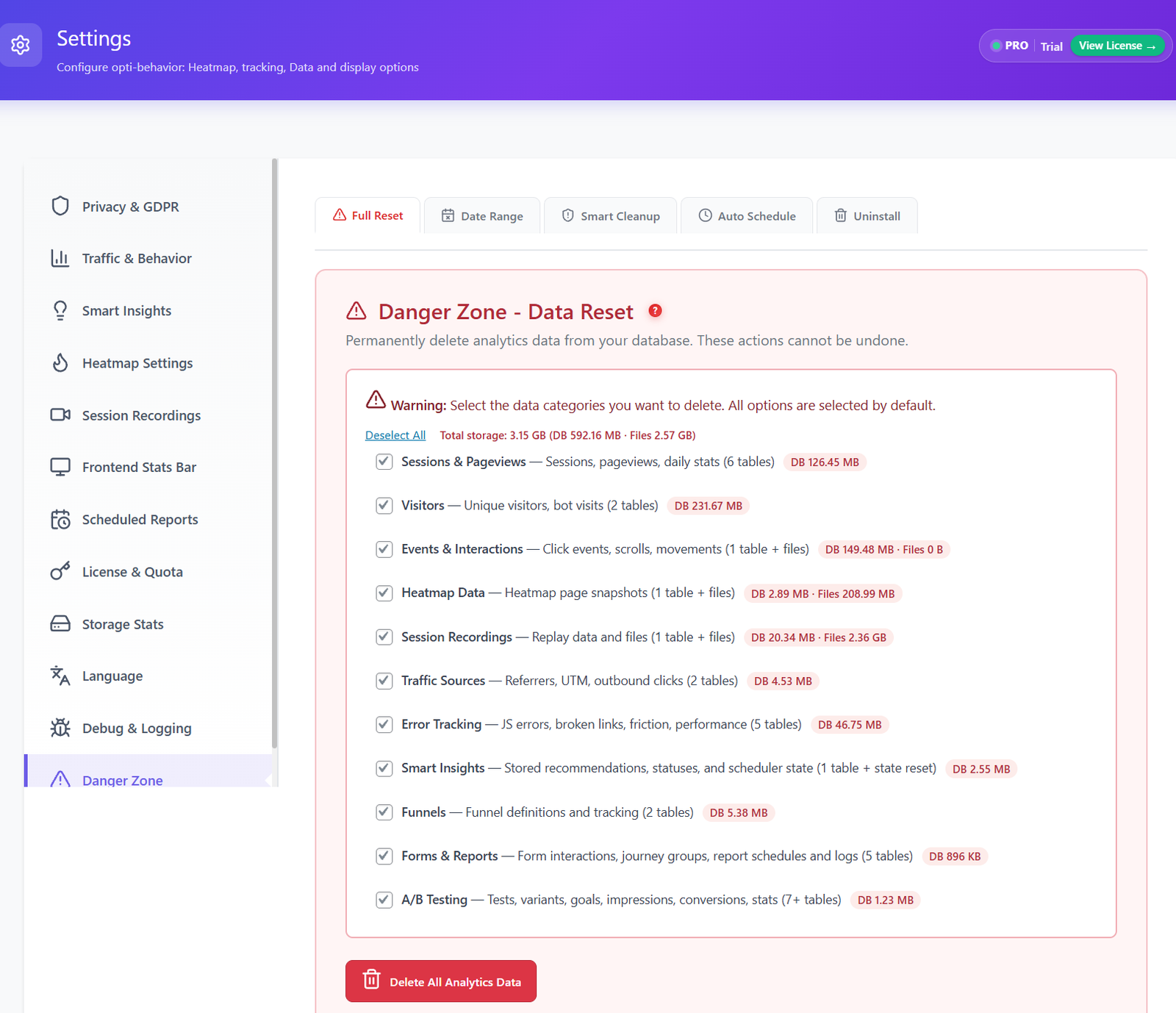
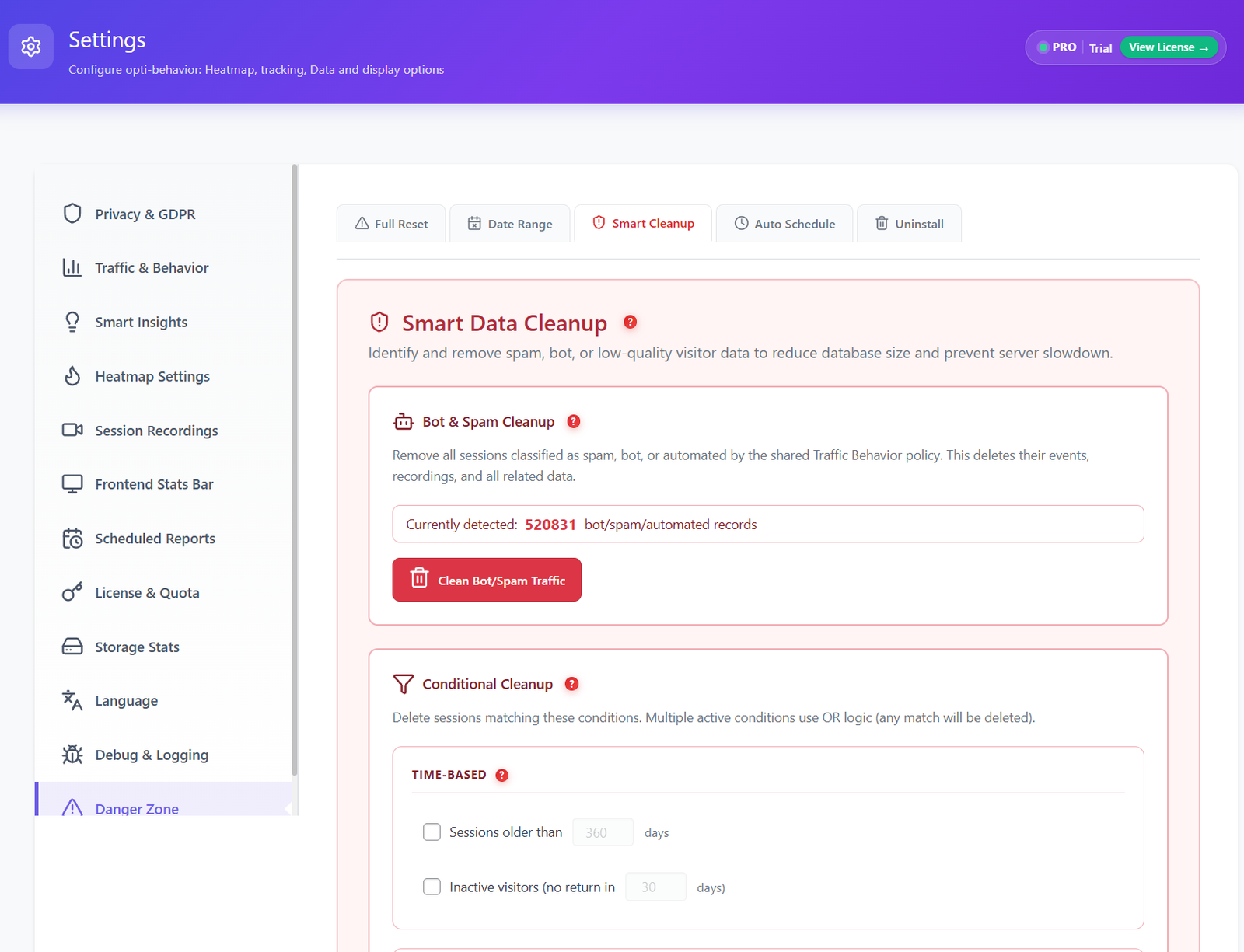
Smart Insights and A/B Testing are live now. Prioritize pages, funnels and WooCommerce opportunities from self-hosted behavior signals while keeping everything privacy-first.
Self-hosted behavioral recommendations turn Opti-Behavior signals into a weekly CRO briefing with prioritized actions, evidence and destinations inside WordPress.
Run self-hosted experiments directly from your WordPress dashboard. Test page variants, visual edits, conversion goals and WooCommerce revenue without sending visitor data to external A/B testing SaaS.
The only self-hosted plugin that connects your visitors’ real behavior with your store’s actual revenue. See exactly where you lose money — field by field, page by page.
| Feature | Opti-Behavior | Hotjar | MS Clarity | Matomo | Mouseflow |
|---|---|---|---|---|---|
| Click Heatmaps | ✓ Free | ✓ Paid | ✓ Free* | ✓ Paid | ✓ Paid |
| Scroll & Move Heatmaps | ✓ Pro | ✓ Paid | ✓ Free* | ✓ Paid | ✓ Paid |
| Session Recordings | ✓ Pro | ✓ Paid | ✓ Free* | ✓ Paid | ✓ Paid |
| Conversion Funnels | ✓ Free | ✓ Paid | ✗ | ✓ Paid | ✓ Paid |
| Real-Time Dashboard | ✓ Free | ✓ Paid | ✓ Free* | ✓ Free | ✓ Paid |
| Self-Hosted Smart Insights | ✓ Free + Pro | ✗ | ✗ | ✗ | ✗ |
| Error Tracking | ✓ Pro | ✗ | ✗ | ✗ | ✗ |
| Friction Detection | ✓ Pro | ✗ | ✓ Free* | ✗ | ✗ |
| Core Web Vitals | ✓ Pro | ✗ | ✗ | ✗ | ✗ |
| Form Analytics | ✓ Pro | ✓ Paid | ✗ | ✓ Paid | ✓ Paid |
| User Journey (Sankey) | ✓ Pro | ✗ | ✗ | ✗ | ✗ |
| Broken Link Detection | ✓ Pro | ✗ | ✗ | ✗ | ✗ |
| Bot Detection | ✓ Free | ✗ | ✗ | ✓ Paid | ✗ |
| Email Reports | ✓ Free | ✓ Paid | ✗ | ✓ Paid | ✓ Paid |
| A/B Test | ✓ Free | ✗ | ✗ | ✓ Paid | ✗ |
| Self-Hosted Data | ✓ Free | ✗ | ✗ | ✓ Paid | ✗ |
| No Data Sharing | ✓ Free | ✗ | ✗* | ✓ Paid | ✗ |
| Cookie-free tracking mode | ✓ Free | ✗ | ✗ | ✗ | ✗ |
| Session Limits (Free) | Unlimited | 35/day | Unlimited | Unlimited | 500/month |
| Free Trial | 6 Months Free | 15 days | N/A | N/A | 14 days |
| Annual Cost (After Trial) | €89 | $2,556+ | $0* | €926+ | $372+ |
* Microsoft Clarity is free but Microsoft uses your visitors’ data as an independent data controller for advertising.
Based on comparable behavior analytics plans with session recording, heatmaps, and funnel analysis. Prices may vary by usage and billing period.
Every plan includes unlimited sessions, unlimited heatmaps, unlimited funnels, and self-hosted Smart Insights. No artificial caps. No surprise upgrades. Powered by our Hybrid Storage engine.
Perfect to get started
What’s included
Everything to optimize 1 site
Everything in Free, plus
5 client sites, direct line to the founder
What you get today
Coming Q4 2026 — included in your license
Run analytics as a service for 10 clients
What you get today
Coming Q4 2026 — included in your license
Not sure which plan fits?
1 site → Pro ·
2-5 client sites → Business ·
6+ client sites → Agency
Have a question? Open the support portal →
Compare every plan on the full pricing page →
Every paid plan comes with a 30-day money-back guarantee. Try Opti-Behavior on your WordPress site — if it doesn’t pay for itself, you get every euro back. No questions, no friction.
Live public plugin-directory proof. Real installs, real reviews, no fake social proof.
“Honestly didn’t expect much when I installed this. There are so many analytics plugins that promise everything and deliver nothing. Been using it for 3 days now. The thing that actually surprised me was the form analytics. I’ve never seen a WordPress plugin that shows you exactly how people interact with each field, how long they stay on it, where they stop and leave. Found a real issue on my contact form in like 20 minutes. One field was killing my submissions and I had no idea. Everything runs on my own server which was important to me. Not a fan of sending my visitors’ data to Microsoft or whoever. Still waiting for the WooCommerce features they mentioned. That’s the main reason I’ll be sticking around. If that works half as well as the form analytics, it’ll be worth it.”
Read review on WordPress.org →“I got to test the Pro plan for free and honestly… I’m blown away! 😄Opti Behavior is a real all-in-one beast for understanding your website traffic. It shows you exactly how people are moving around your site and, most importantly, what you actually need to optimize to make things better.”
Read review on WordPress.org →“I installed Opti-Behavior on one of my WordPress sites because I wanted to understand why people were leaving a page that I thought was clear. After checking the heatmap and scroll data, I noticed that visitors were not really reaching the section I expected them to see, and some clicks were happening in places I didn’t expect. The setup was not complicated, and I liked that I could see everything directly inside WordPress instead of opening another platform. For me, the most useful part is that it shows behavior in a visual way, not just numbers. It helped me make a few small changes to the layout and move an important button higher on the page. I’m still testing it, but so far it feels practical and useful, especially for improving pages based on real visitor behavior instead of just guessing.”
Read review on WordPress.org →“I’ve tested many analytics plugins, and Opti-Behavior is one of the most impressive. It brings a clean, native WordPress analytics experience without unnecessary complexity.The developer is also amazing & very responsive, open to feedback, and genuinely cares about users. I suggested a few features for the free version, and some of them were actually added. That level of support is rare. Highly recommended.”
Read review on WordPress.org →“J’ai installé opti-behavior depuis 3 mois et j’ai vraiment changé mon avis à propos de la notion d’analytics classique par rapport aux visites et au comportement des utilisateurs. Je suis surpris, pendant cette période, par certains comportements étranges de mes visiteurs sur la page de Opt-in . Avec les heatmaps, j’ai compris que le formulaire était complexe et que je perdais beaucoup de personnes.J’ai aussi profité du module A/B testing et j’arrive à optimiser mon CRO et à collecter beaucoup de leads pour ma liste marketing. Mon site collecte environ 30K visiteurs par mois pour le moment et je n’ai pas constaté d’impact sur mon hosting.Jusqu’à là, le produit est solide. À voir après 1 an d’utilisation.”
Read review on WordPress.org →Already using Opti-Behavior? Share your honest experience on WordPress.org — it helps thousands of users find a privacy-first analytics solution.
Join WordPress site owners who stopped paying monthly fees, stopped sharing their data, and started making better decisions.
Free forever · Pro Trial: 6 months FREE · Paid plans from €0.24/day · 30-day money-back guarantee · Works with any theme